Thanks, I thought I should you see access.log and syslog also. I have accepted the enrollment and see 5 alert since start.
In the crowdsec logs I see
level=warning msg=“/var/log/auth.log is a directory, ignoring it.” type=file
time=“2025-06-17T17:45:25Z” level=warning msg=“/var/log/syslog is a directory, ignoring it.” type=file
In ./config/crowdsec.logs syslog and auth.log are also directories. Is this right, I thought they should be files?
It’s probably because of this line in the docker-compose for crowdsec
volumes:
      - ./config/crowdsec_logs/auth.log:/var/log/auth.log:ro
      - ./config/crowdsec_logs/syslog:/var/log/syslog:ro
If the errors are bothering you you could remove these lines and restart crowdsec container
Thanks, It doesn’t bother me anymore now that I know where it comes from and that it doesn’t affect the functionality
Sorry, next problem, installing crowdsec-bouncer for traefik.
The middleware-manager can not write traefik_config.yml.tmp.
I set the absolute pass /root/config/traefik/traefik_config.yml.
Follow the guide
You should be using
environment:
    - TRAEFIK_STATIC_CONFIG_PATH=/etc/traefik/traefik_config.yml
In the middleware manager docker compose
I changed the path and it works now. Thanks
In the docker compose file under the crowdsec service, then environment, then COLLECTIONS. Just add it to the list at the end, separated by a space from the last one there.
Hi HHF, I think this line is incorrect in the guide:
“ls /etc/crowdsec/config/patterns/“
Shouldn’t it be /etc/crowdsec/patterns/
?
Im having the same loop issue. Can’t register. How did you solve it?
Try changing the docker compose to this.
          crowdsec:
            image: crowdsecurity/crowdsec:latest
            container_name: crowdsec
            environment:
              GID: "1000"
              COLLECTIONS: crowdsecurity/traefik crowdsecurity/appsec-virtual-patching crowdsecurity/appsec-generic-rules crowdsecurity/linux
              ENROLL_INSTANCE_NAME: "pangolin-crowdsec"
              PARSERS: crowdsecurity/whitelists
              ENROLL_TAGS: docker
              ENROLL_KEY: REPLACE_WITH_CROWDSEC_ENROLLMENT_KEY
            healthcheck:
              interval: 10s
              retries: 15
              timeout: 10s
              test: ["CMD", "cscli", "capi", "status"]
            labels:
              - "traefik.enable=false" # Disable traefik for crowdsec
            volumes:
              # crowdsec container data
              - ./config/crowdsec:/etc/crowdsec # crowdsec config
              - ./config/crowdsec/db:/var/lib/crowdsec/data # crowdsec db
              # log bind mounts into crowdsec
              - ./config/traefik/logs:/var/log/traefik # traefik logs
            ports:
              - 6060:6060 # metrics endpoint for prometheus
            restart: unless-stopped
            command: -t # Add test config flag to verify configuration
Should I not use the ports and other mounts from the first post?
Or just use the crowdsec install from the installer script?
Try adding the crowdsec service to your docker compose and check if that works. If not try the installer script
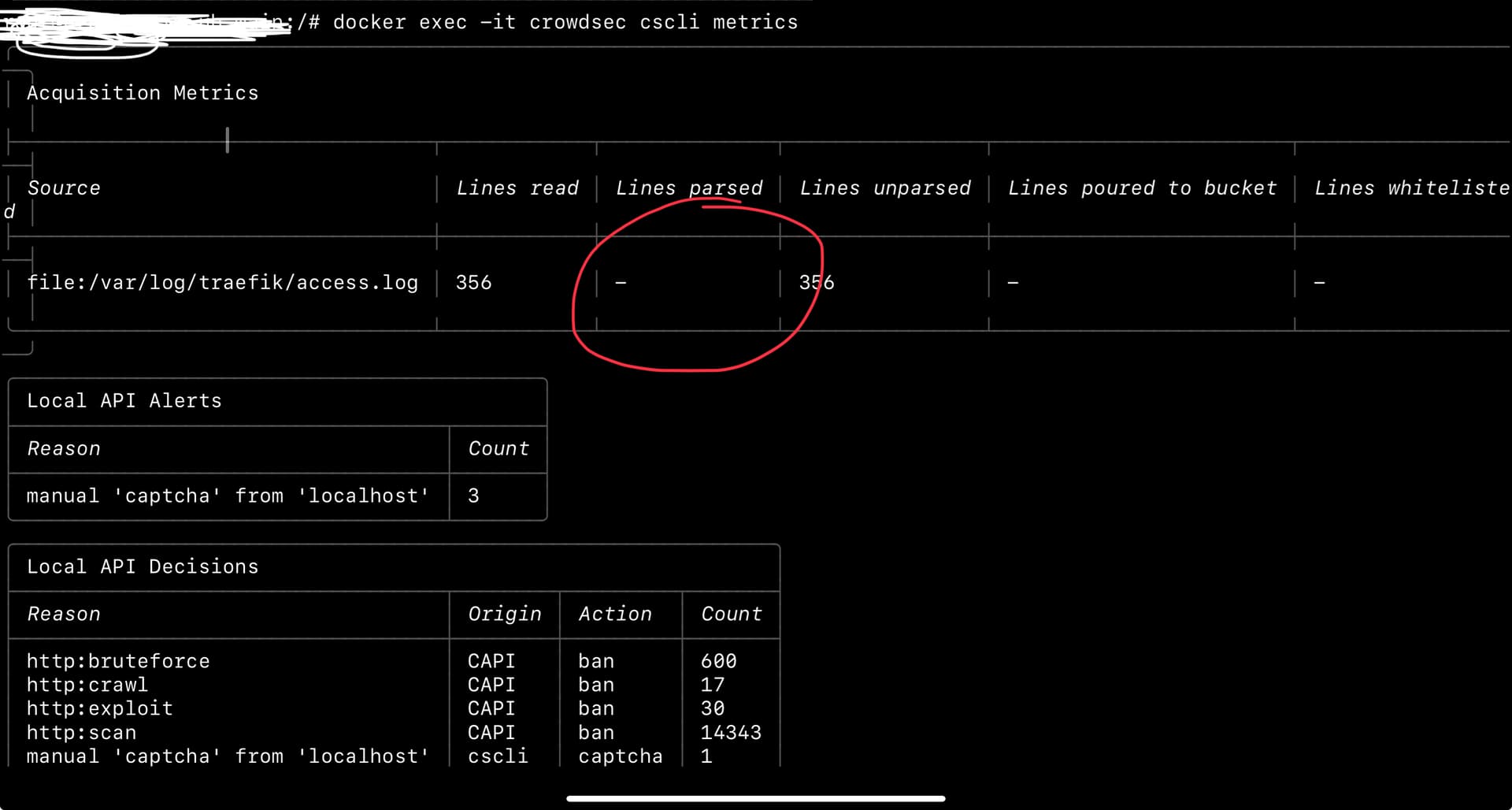
Have you accepted the enrollment on the crowdsec console?
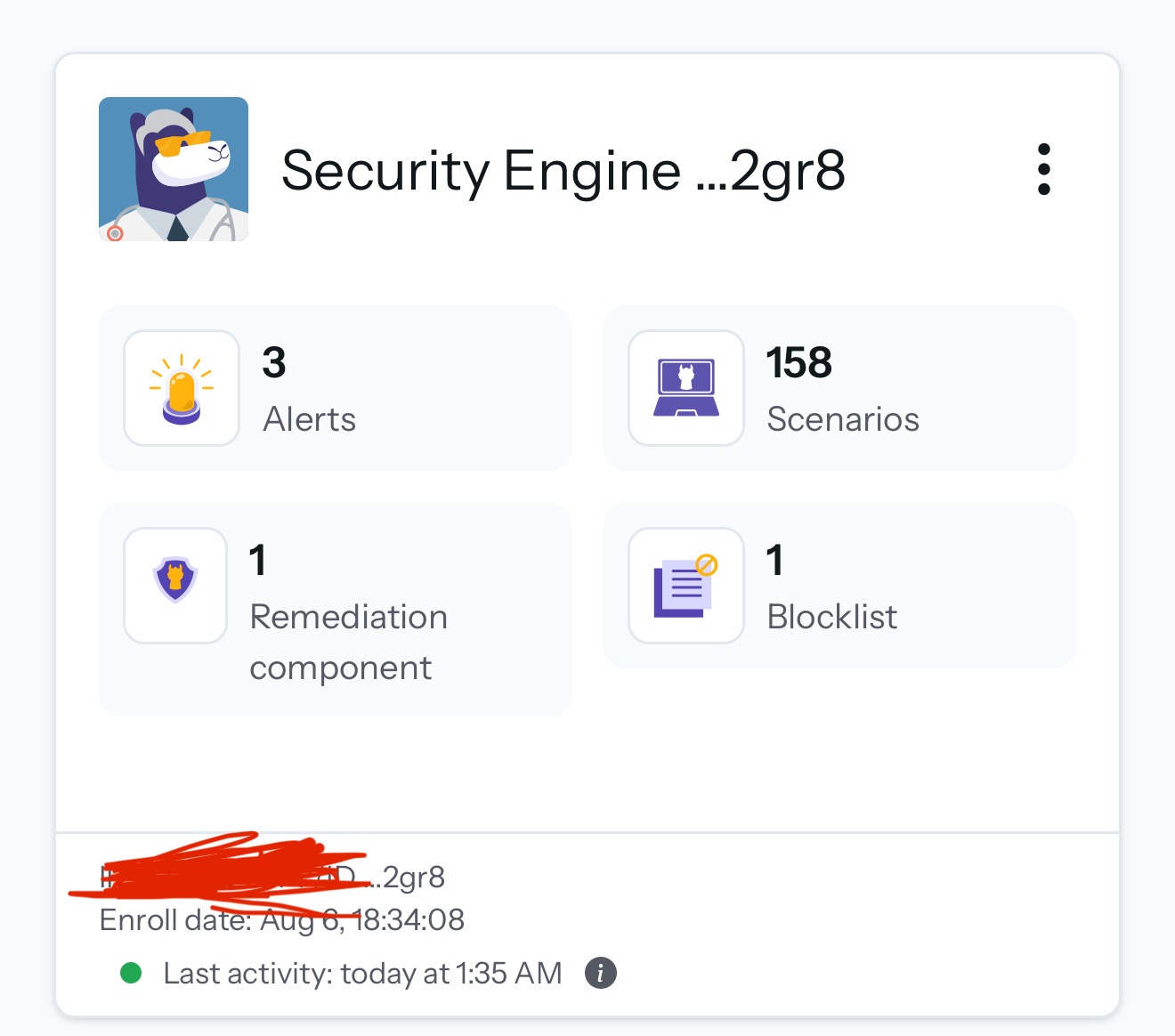
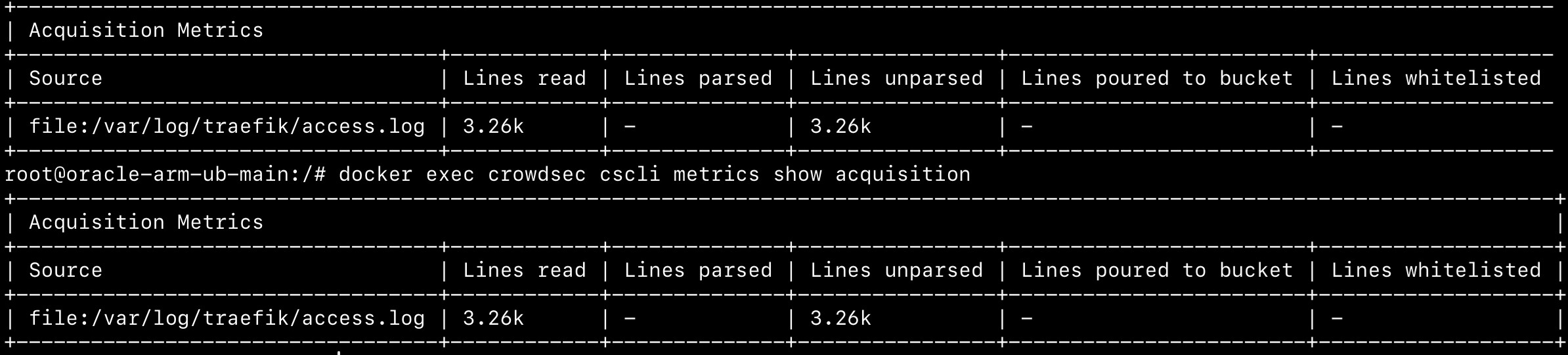
Check that your traefik logs are Json format and try this command to see that the logs are being picked up
docker exec crowdsec cscli metrics show acquisition
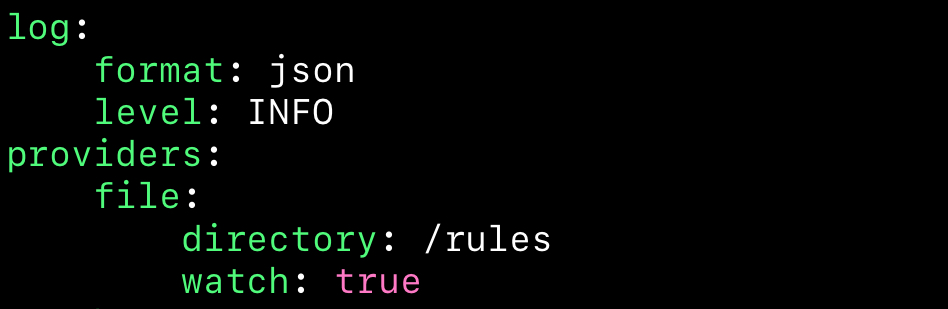

Try what this poster suggested
Add the crowdsec/linux to the collections
