Visualizing Your Traefik Logs: Deploying the Traefik Log Dashboard with the Pangolin Stack

The MaxMind updater didn’t work for me, so I did some digging and found that they have their own updater, even as a docker container.

Using this instead of the script from the guide worked for me:

  geoipupdate:
    container_name: geoipupdate
    image: ghcr.io/maxmind/geoipupdate
    restart: unless-stopped
    volumes:
      - ./config/maxmind:/usr/share/GeoIP
    environment:
      - GEOIPUPDATE_ACCOUNT_ID=YOUR_ID_HERE
      - GEOIPUPDATE_LICENSE_KEY=YOUR_KEY_HERE
      - GEOIPUPDATE_EDITION_IDS=GeoLite2-ASN GeoLite2-City GeoLite2-Country
      - GEOIPUPDATE_FREQUENCY=72

This also has the bonus of updating automatically (every 3 days in my example)

2 Likes

Top Requested Routers / Addresses / Hosts are empty for me though.

My trafing_config.yml is pretty much the default for a new Pangolin installation.

I’m wondering if I need to change something in my access_log entry to see them in the dashboard:

accessLog:
    bufferingSize: 100
    fields:
        defaultMode: drop
        headers:
            defaultMode: drop
            names:
                Authorization: redact
                Content-Type: keep
                Cookie: redact
                User-Agent: keep
                X-Forwarded-For: keep
                X-Forwarded-Proto: keep
                X-Real-Ip: keep
        names:
            ClientAddr: keep
            ClientHost: keep
            DownstreamContentSize: keep
            DownstreamStatus: keep
            Duration: keep
            RequestMethod: keep
            RequestPath: keep
            RequestProtocol: keep
            RetryAttempts: keep
            ServiceName: keep
            StartUTC: keep
            TLSCipher: keep
            TLSVersion: keep
    filePath: /var/log/traefik/access.log
    filters:
        minDuration: 100ms
        retryAttempts: true
        statusCodes:
            - 200-299
            - 400-499
            - 500-599
    format: json
1 Like

start with basic and then expand

# ./config/traefik/traefik_config.yml

log:
  level: INFO
  filePath: "/var/log/traefik/traefik.log"

accessLog:
  filePath: "/var/log/traefik/access.log"
  format: json # <-- Essential for dashboard parsing
  fields:
    defaultMode: keep
    headers:
      defaultMode: keep
      names:
        User-Agent: keep
        Authorization: drop

Figured as much. I’m not sure about the performance impact, so for now I’ll just leave it at keeping everything.

I’ve looked at the code and was able to find the place where Logs are parsed, so I could just use that if I need to reduce the amount of stuff that’s being written into the logs if needed in the future

1 Like

coming up with a merged version soon (backend and frontend). faster and more optimized

2 Likes

Any way to password protect this dashboard?

1 Like

You can use Pangolin SSO.

2 Likes

First of all: Amazing project. Works perfectly.

I was able to setup the Log Dashboard but the Client IP is always the cloudflared internal container because I use Zero-Trust Network-Tunnel. Is there any way to use the official CF-Connecting-IP Header provided by Cloudflare?

1 Like

I found a plugin for this: GitHub - PseudoResonance/cloudflarewarp

This should solve the issue. It needs to be in the first middleware place. This plugin overwrites X-Real-IP and X-Forwarded-For headers with CF-Connecting-IP. Would be great if this is Plugin Hub.

1 Like

Never mind, this solves nothing, since Traefik logs before applying the request to the middleware.

However, you can set X-Real-IP and X-Forwarded-For to the Client IP with a Transformer Rule in Cloudflare. This sets the Client Host to the correct IP but the Log Dashboard only cares about the Client IP. It would require an option to use Client Host instead of Client IP.

1 Like

it will be solved in the new update.

Just a sneak peek

3 Likes

Hi, I’ve updated to version 2 and it’s working correctly.
I have two questions:
1 - Is there a way to set a dark theme?
2 - When I open the URL https://dashlog.mydomain.tld, I always have to click the “View Dashboard” button, which takes me to the URL https://dashlog.mydomain.tld/dashboard. My question is, is there a way to go directly to the Dashboard?

Thank you very much and great work.

Not yet, but maybe in v2.3.

This way made purposefully to add other log dashboards. like nginx etc in the future

1 Like

I am interested in running the Agent on the VPS where Pangolin is and piping back to my main server using the existing tunnel. Is this possible?

yes its possible, but you might want to use tailscale for connection

Thanks, I will look at setting up Complete Setup Guide for Newt-Tailscale Failover Gateway or Comprehensive Guide to Secure Access Gateway with Newt, Cloudflare, and Tailscale in the future.

Is there any reason not to just use the newt tunnel?

Hello man!

Any ideas on why setting everything up nukes my whole Pangolin + Crowdsec + Traefik + Middleware Manager setup. Containers are running but can’t access them.

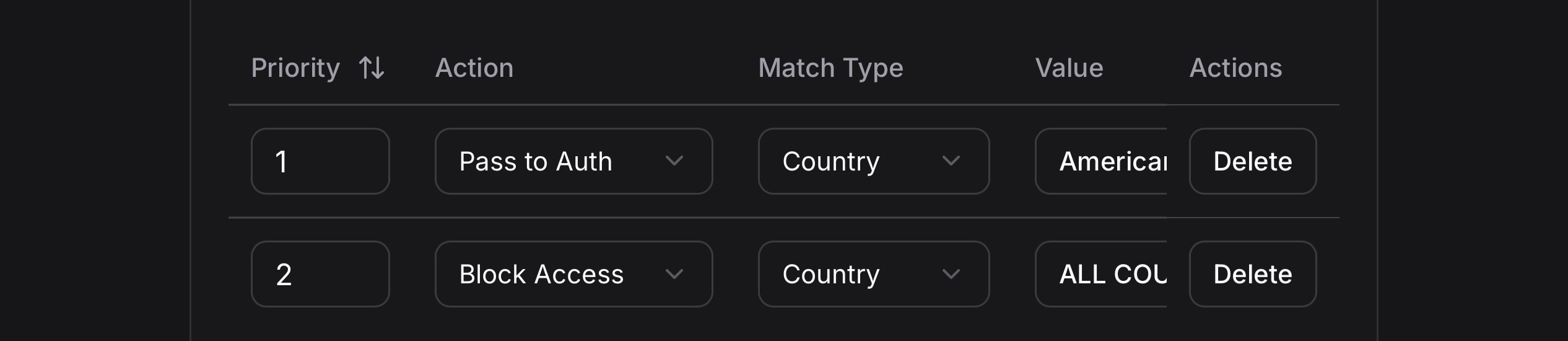
@Stavros_WTF you need to give me little more than that. Share some logs. Create a separate help post so we don’t clutter here

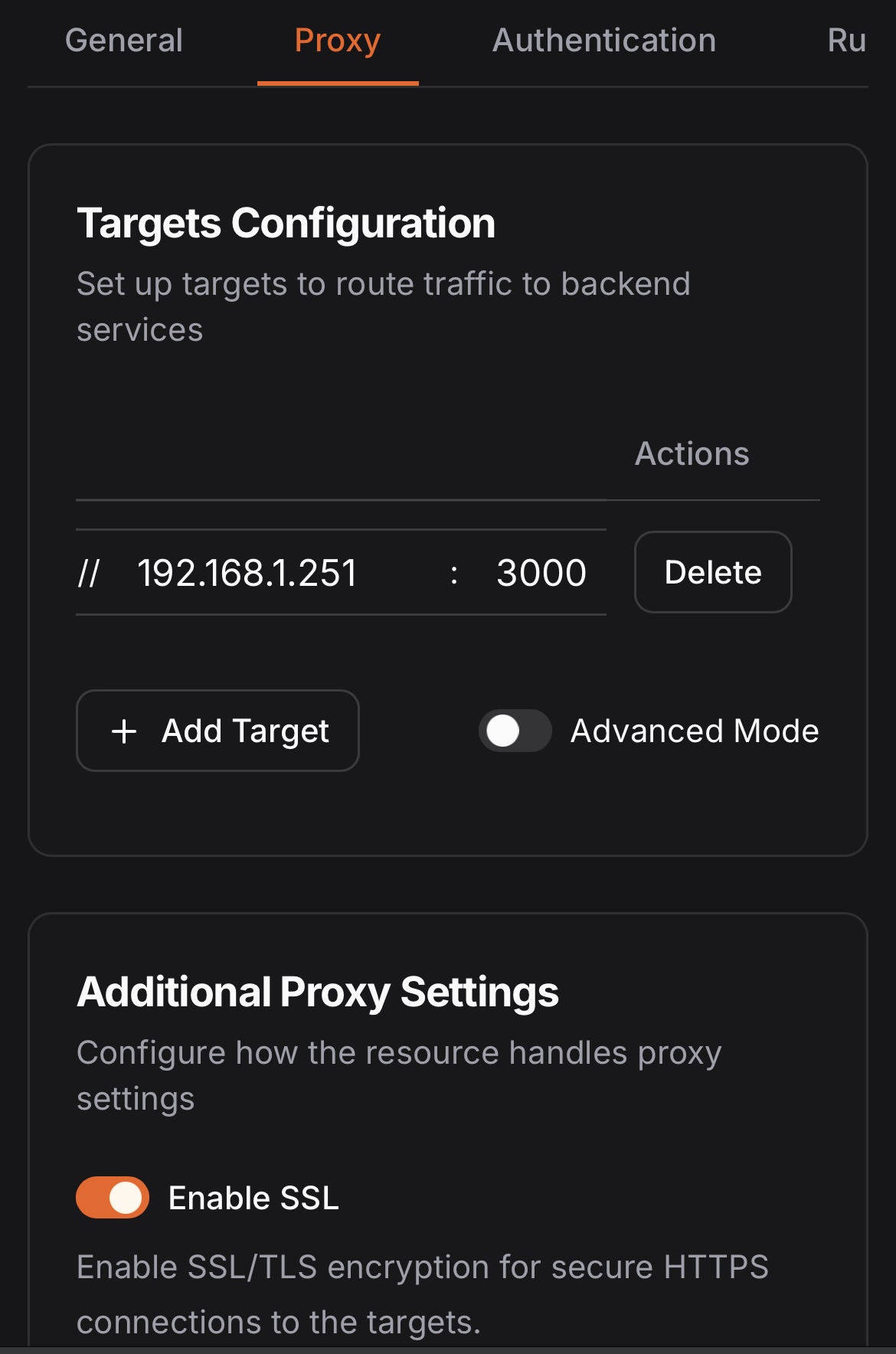
I want to ask about i can access via local ip but unable access on pangolin proxy.

i tried localhost:3000, 127.0.0.1:3000 all unable.

EDIT: I believe this entire guide is out of date. I would direct people to follow the guide on the Github page for the most up to date info:

END EDIT

Followed the instructions above, but am confused on the MaxMind license. Am I supposed to place this in an .env file or something?

export MAXMIND_LICENSE_KEY=changed_to_my_license

When I start the container I get this error:

WARN[0000] The “MAXMIND_LICENSE_KEY” variable is not set. Defaulting to a blank string.

Thanks