Django Deployment Guide for CloudPanel with Gunicorn
Django Application Deployment Guide for CloudPanel
Prerequisites
- CloudPanel installation
- SSH access to your VPS
- Domain name
- Django application codebase
- Install dependencies from root
# Install required system packages for MySQL client
sudo apt-get update
sudo apt-get install python3-dev default-libmysqlclient-dev build-essential pkg-config
sudo apt-get install python3-mysqldb
1. Initial Site Configuration
1.1 Site Creation
- Navigate to CloudPanel dashboard
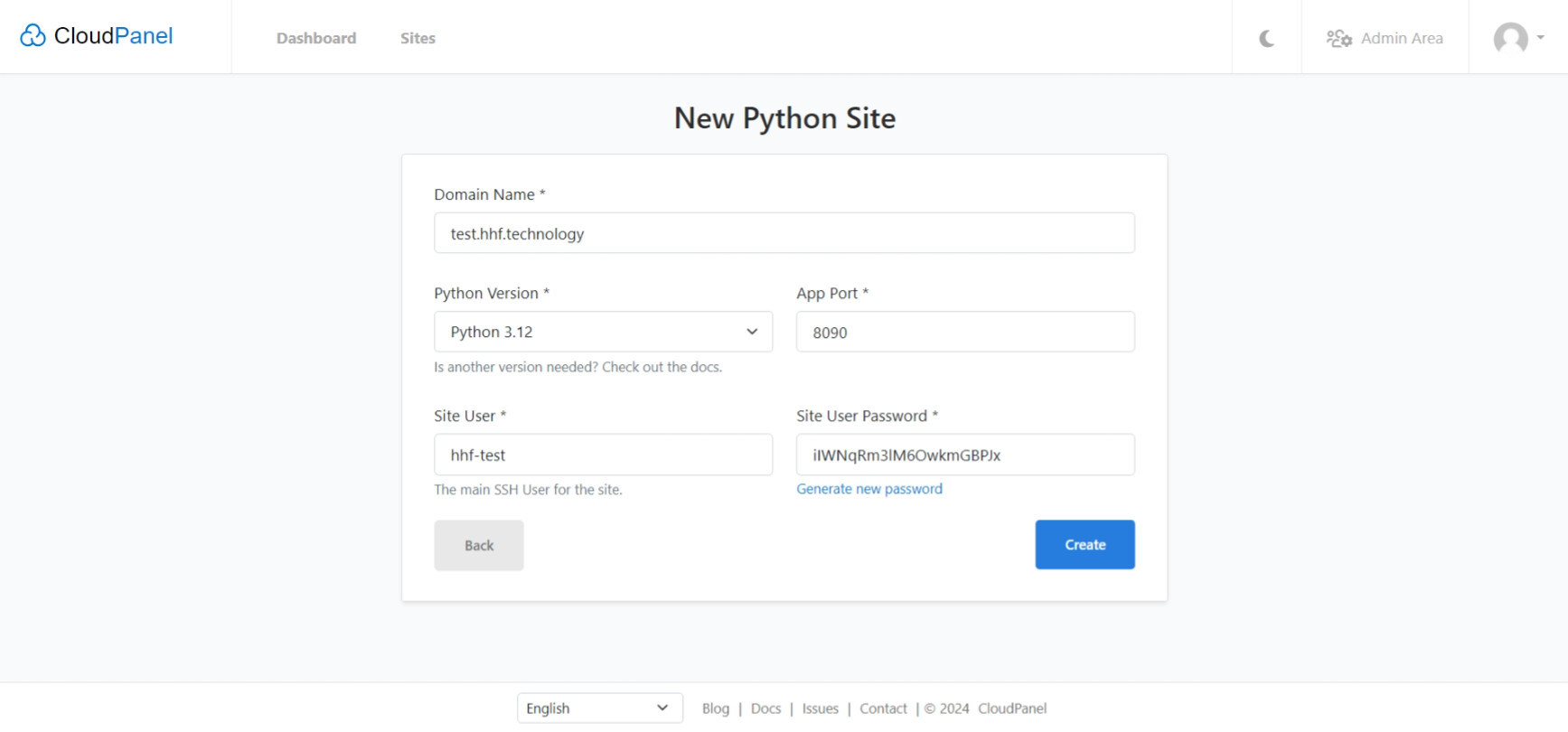
- Select “Add Site” → “Create a Python Site”
- Configure domain settings (system will auto-populate additional fields)
1.2 SSL Configuration
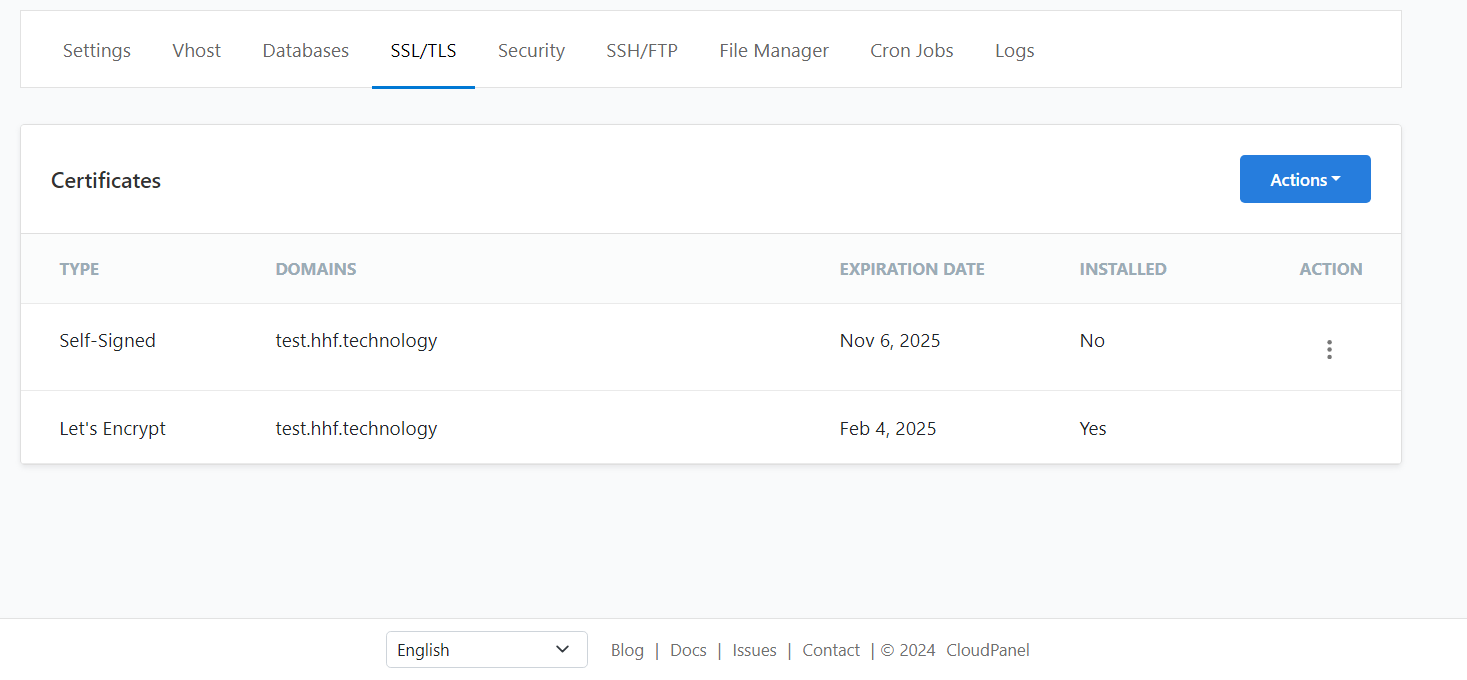
- Access SSL/TLS tab
- Initialize new Let’s Encrypt Certificate via Actions menu
2. Application Deployment
2.1 File Transfer
Transfer application files via either:
- SFTP (FileZilla)
- CloudPanel File Manager
Note: Exclude virtual environment directories (env/venv)
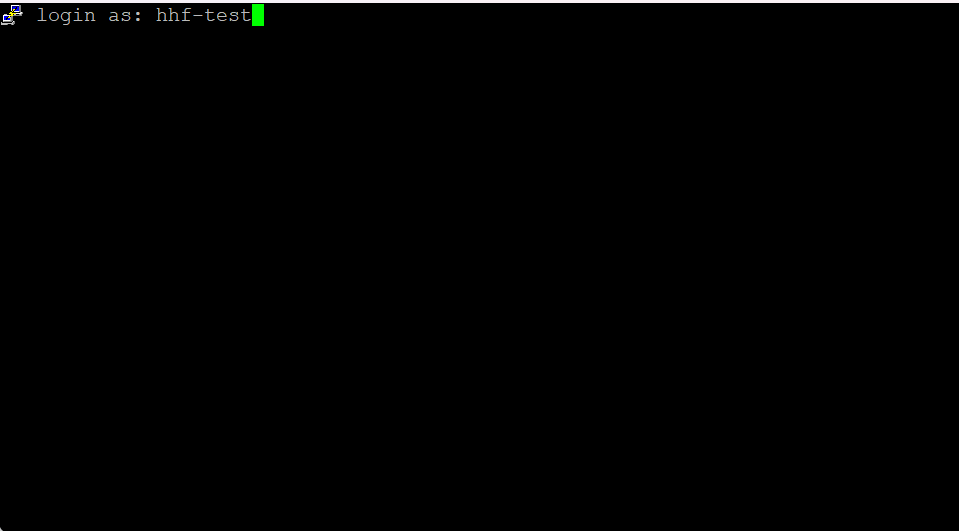
2.2 Environment Setup
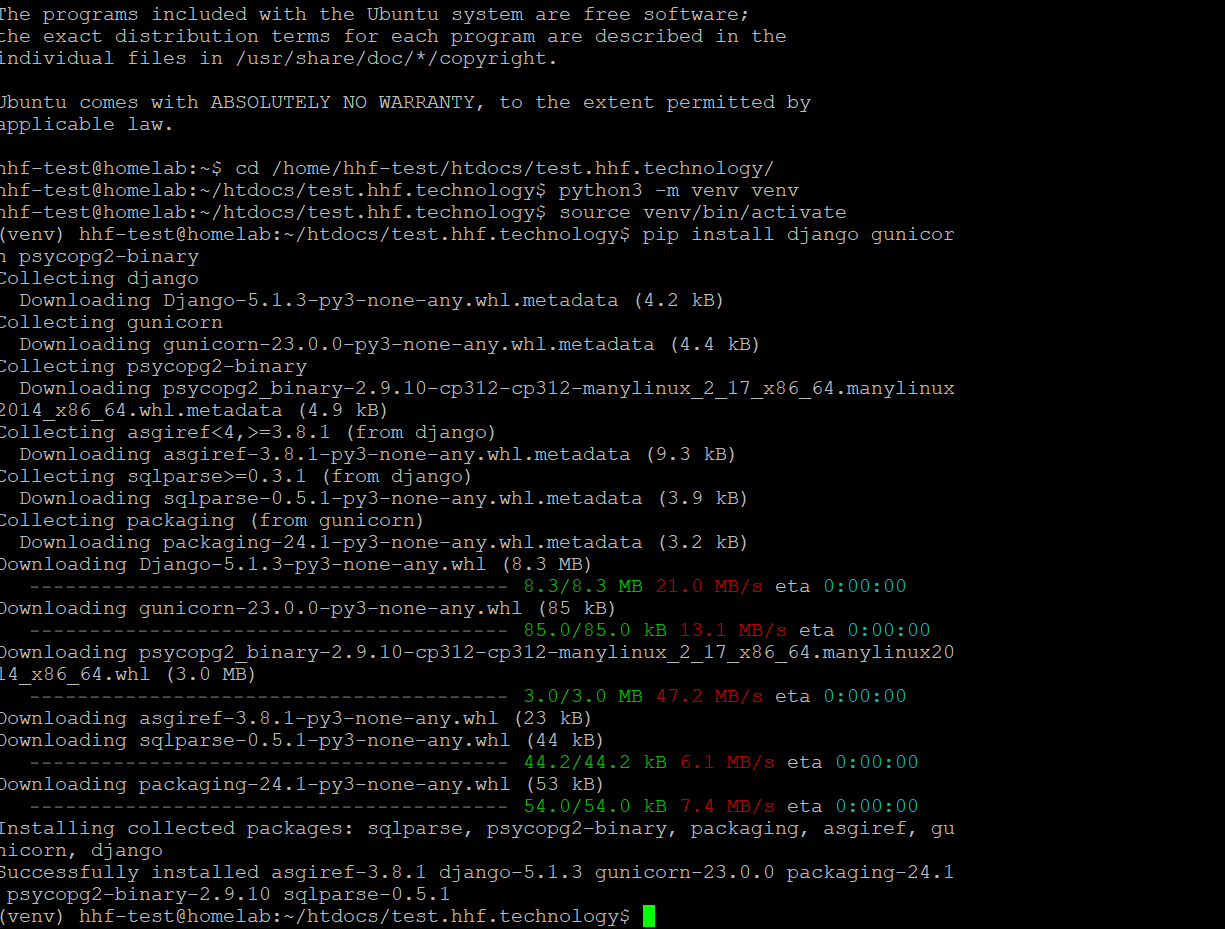
# Navigate to user's home directory
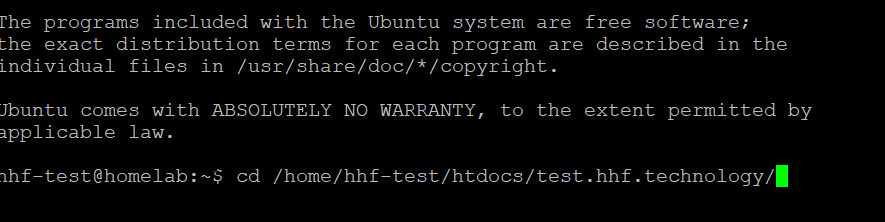
cd /home/hhf-test

# Create and activate virtual environment
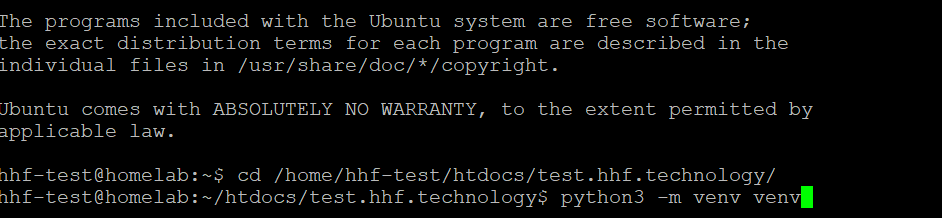
python3 -m venv venv
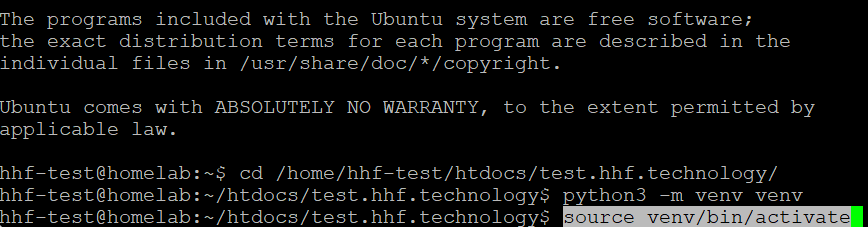
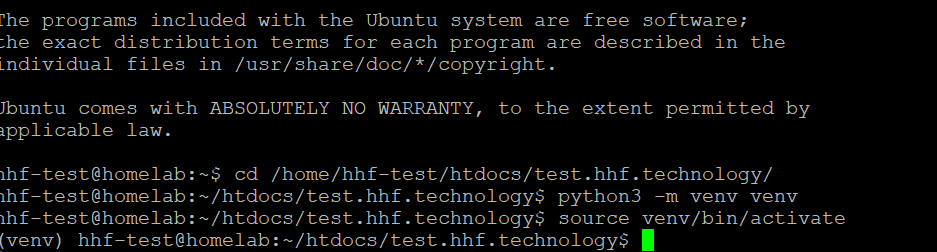
source venv/bin/activate

# Create Django project in the htdocs directory
cd htdocs/test.hhf.technology

# Install required packages
pip install django gunicorn mysqlclient python-dotenv

django-admin startproject config .
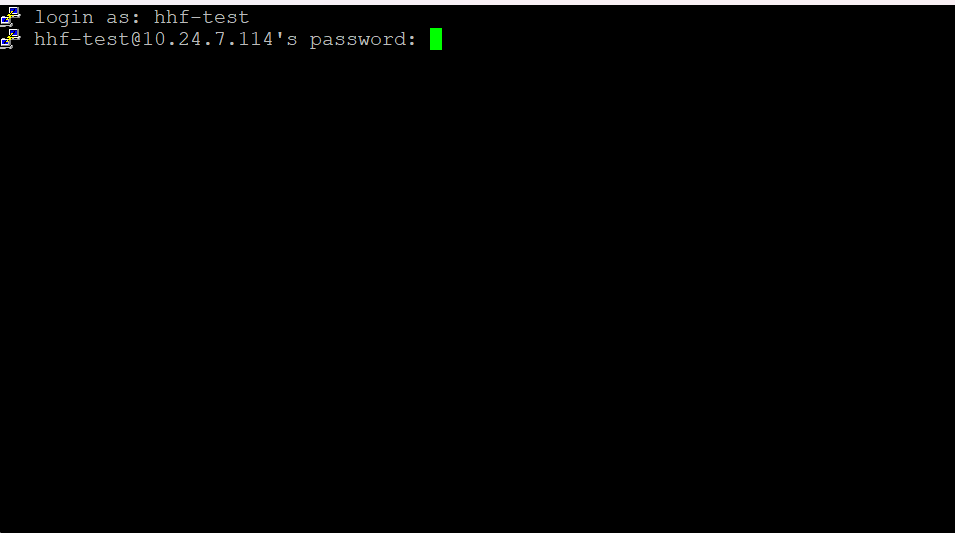
2.3 Django Configuration
Create .env file in /home/hhf-test/htdocs/test.hhf.technology:
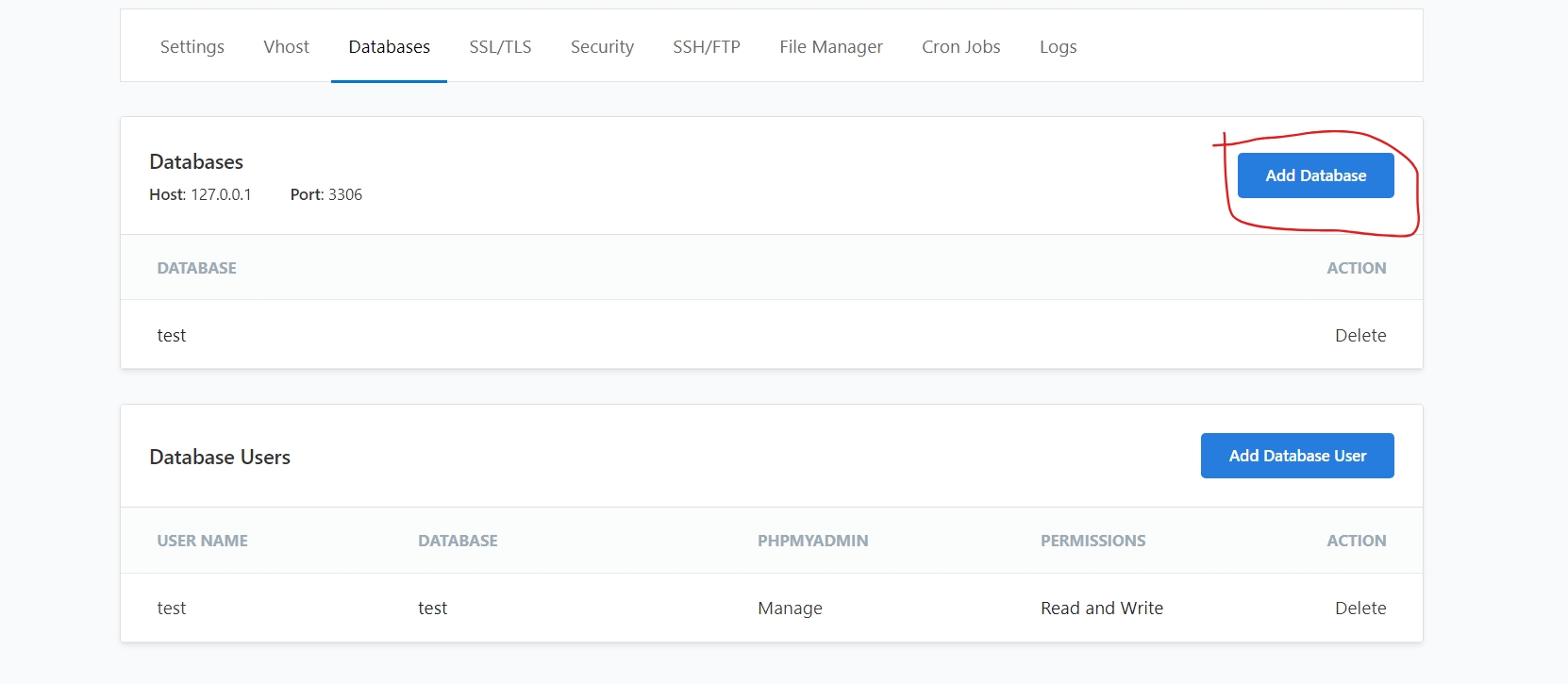
before that dont forget to create database in clp UI
DEBUG=False

ALLOWED_HOSTS=test.hhf.technology

DB_NAME=your_database_name

DB_USER=your_database_user

DB_PASSWORD=your_database_password

DB_HOST=localhost

DB_PORT=3306
Update config/settings.py:
"""
Django settings for config project.

Generated by 'django-admin startproject' using Django 5.1.3.

For more information on this file, see
https://docs.djangoproject.com/en/5.1/topics/settings/

For the full list of settings and their values, see
https://docs.djangoproject.com/en/5.1/ref/settings/
"""

from pathlib import Path
import os
from dotenv import load_dotenv
load_dotenv()
# Build paths inside the project like this: BASE_DIR / 'subdir'.
BASE_DIR = Path(__file__).resolve().parent.parent


# Quick-start development settings - unsuitable for production
# See https://docs.djangoproject.com/en/5.1/howto/deployment/checklist/

# SECURITY WARNING: keep the secret key used in production secret!
SECRET_KEY = 'django-insecure--xka)7x4-4o32hglmqkssz4(c=4fwv2ka)msy17!)=z@%8ol2k'

# SECURITY WARNING: don't run with debug turned on in production!
DEBUG = True

ALLOWED_HOSTS = os.getenv('ALLOWED_HOSTS').split(',')


# Application definition

INSTALLED_APPS = [
    'django.contrib.admin',
    'django.contrib.auth',
    'django.contrib.contenttypes',
    'django.contrib.sessions',
    'django.contrib.messages',
    'django.contrib.staticfiles',
]

MIDDLEWARE = [
    'django.middleware.security.SecurityMiddleware',
    'django.contrib.sessions.middleware.SessionMiddleware',
    'django.middleware.common.CommonMiddleware',
    'django.middleware.csrf.CsrfViewMiddleware',
    'django.contrib.auth.middleware.AuthenticationMiddleware',
    'django.contrib.messages.middleware.MessageMiddleware',
    'django.middleware.clickjacking.XFrameOptionsMiddleware',
]

ROOT_URLCONF = 'config.urls'

TEMPLATES = [
    {
        'BACKEND': 'django.template.backends.django.DjangoTemplates',
        'DIRS': [],
        'APP_DIRS': True,
        'OPTIONS': {
            'context_processors': [
                'django.template.context_processors.debug',
                'django.template.context_processors.request',
                'django.contrib.auth.context_processors.auth',
                'django.contrib.messages.context_processors.messages',
            ],
        },
    },
]

WSGI_APPLICATION = 'config.wsgi.application'


# Database
# https://docs.djangoproject.com/en/5.1/ref/settings/#databases

DATABASES = {
    'default': {
        'ENGINE': 'django.db.backends.mysql',
        'NAME': os.getenv('DB_NAME'),
        'USER': os.getenv('DB_USER'),
        'PASSWORD': os.getenv('DB_PASSWORD'),
        'HOST': os.getenv('DB_HOST'),
        'PORT': os.getenv('DB_PORT'),
    }
}

# Password validation
# https://docs.djangoproject.com/en/5.1/ref/settings/#auth-password-validators

AUTH_PASSWORD_VALIDATORS = [
    {
        'NAME': 'django.contrib.auth.password_validation.UserAttributeSimilarityValidator',
    },
    {
        'NAME': 'django.contrib.auth.password_validation.MinimumLengthValidator',
    },
    {
        'NAME': 'django.contrib.auth.password_validation.CommonPasswordValidator',
    },
    {
        'NAME': 'django.contrib.auth.password_validation.NumericPasswordValidator',
    },
]


# Internationalization
# https://docs.djangoproject.com/en/5.1/topics/i18n/

LANGUAGE_CODE = 'en-us'

TIME_ZONE = 'UTC'

USE_I18N = True

USE_TZ = True


# Static files (CSS, JavaScript, Images)
# https://docs.djangoproject.com/en/5.1/howto/static-files/

STATIC_URL = 'static/'
STATIC_ROOT = BASE_DIR / 'static'
MEDIA_URL = 'media/'
MEDIA_ROOT = BASE_DIR / 'media'

# Default primary key field type
# https://docs.djangoproject.com/en/5.1/ref/settings/#default-auto-field

DEFAULT_AUTO_FIELD = 'django.db.models.BigAutoField'
2.4 Django Configuration
# Database migrations
python3 manage.py makemigrations
python3 manage.py migrate

# Static files collection
python3 manage.py collectstatic
3. Gunicorn Configuration
Create /home/hhf-test/htdocs/test.hhf.technology/gunicorn_config.py:
bind = "unix:/home/hhf-test/htdocs/test.hhf.technology/gunicorn.sock"

workers = 3

timeout = 120

errorlog = "/home/hhf-test/logs/gunicorn_error.log"

accesslog = "/home/hhf-test/logs/gunicorn_access.log"

capture_output = True
4. Systemd Service Setup
Create /etc/systemd/system/django-hhf.service:
[Unit]

Description=Gunicorn daemon for Django Project

After=network.target

[Service]

User=hhf-test

Group=hhf-test

WorkingDirectory=/home/hhf-test/htdocs/test.hhf.technology

ExecStart=/home/hhf-test/venv/bin/gunicorn \

--config /home/hhf-test/htdocs/test.hhf.technology/gunicorn_config.py \

config.wsgi:application

[Install]

WantedBy=multi-user.target
5. Nginx Configuration (in CloudPanel)
Add this configuration to your domain’s nginx config:
  location / {
    proxy_pass http://unix:/home/hhf-test/htdocs/test.hhf.technology/gunicorn.sock;
    proxy_http_version 1.1;
    proxy_set_header X-Forwarded-Host $host;
    proxy_set_header X-Forwarded-Server $host;
    proxy_set_header X-Real-IP $remote_addr;
    proxy_set_header X-Forwarded-For $proxy_add_x_forwarded_for;
    proxy_set_header X-Forwarded-Proto $scheme;
    proxy_set_header Host $host;
    proxy_set_header Upgrade $http_upgrade;
    proxy_set_header Connection "Upgrade";
    proxy_pass_request_headers on;
    proxy_max_temp_file_size 0;
    proxy_connect_timeout 900;
    proxy_send_timeout 900;
    proxy_read_timeout 900;
    proxy_buffer_size 128k;
    proxy_buffers 4 256k;
    proxy_busy_buffers_size 256k;
    proxy_temp_file_write_size 256k;
  }

  location /static/ {
    alias /home/hhf-test/htdocs/test.hhf.technology/static/;
  }

  location /media/ {
    alias /home/hhf-test/htdocs/test.hhf.technology/media/;
  }

  location ~* ^.+\.(css|js|jpg|jpeg|gif|png|ico|gz|svg|svgz|ttf|otf|woff|woff2|eot|mp4|ogg|ogv|webm|webp|zip|swf)$ {
    add_header Access-Control-Allow-Origin "*";
    add_header alt-svc 'h3=":443"; ma=86400';
    expires max;
    access_log on;
  }

  if (-f $request_filename) {
    break;
  }
6. Final Setup Commands
# Collect static files

python manage.py collectstatic

# Apply migrations

python manage.py migrate

# Set proper permissions

chmod 755 /home/hhf-test/htdocs/test.hhf.technology

chown -R hhf-test:hhf-test /home/hhf-test/htdocs/test.hhf.technology

# Start and enable the service

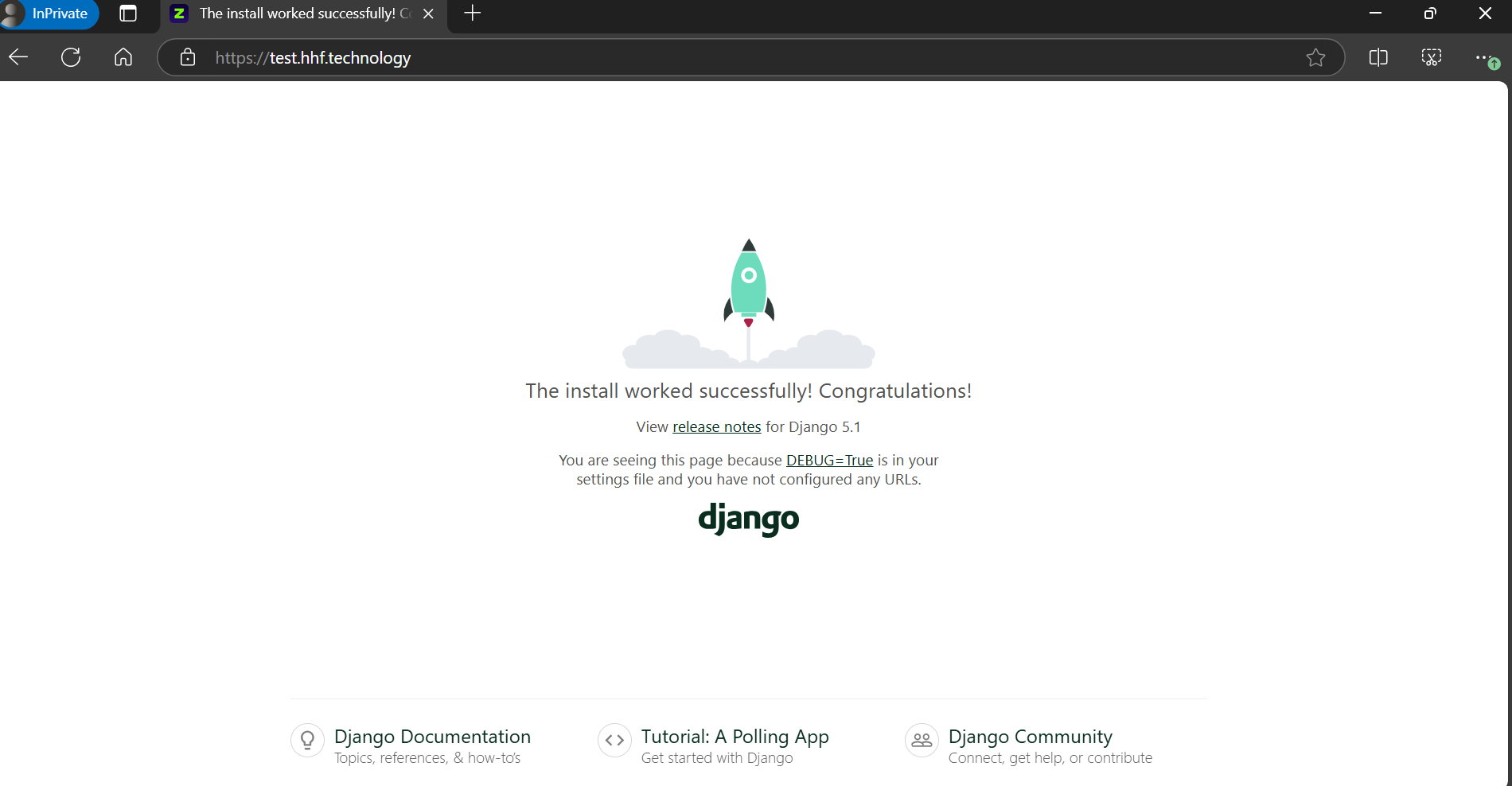
sudo systemctl start django-hhf

sudo systemctl enable django-hhf

# Check status

sudo systemctl status django-hhf
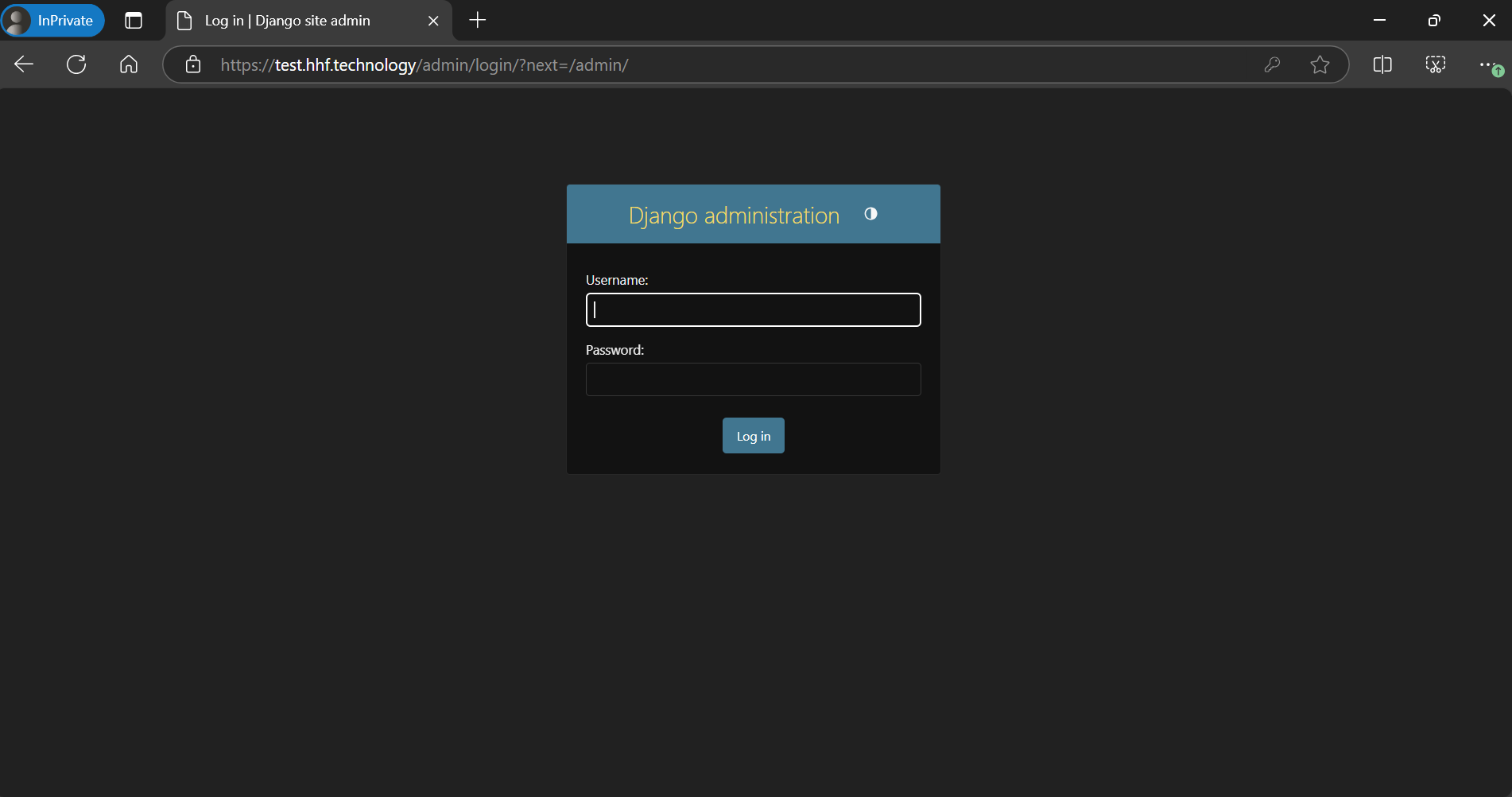
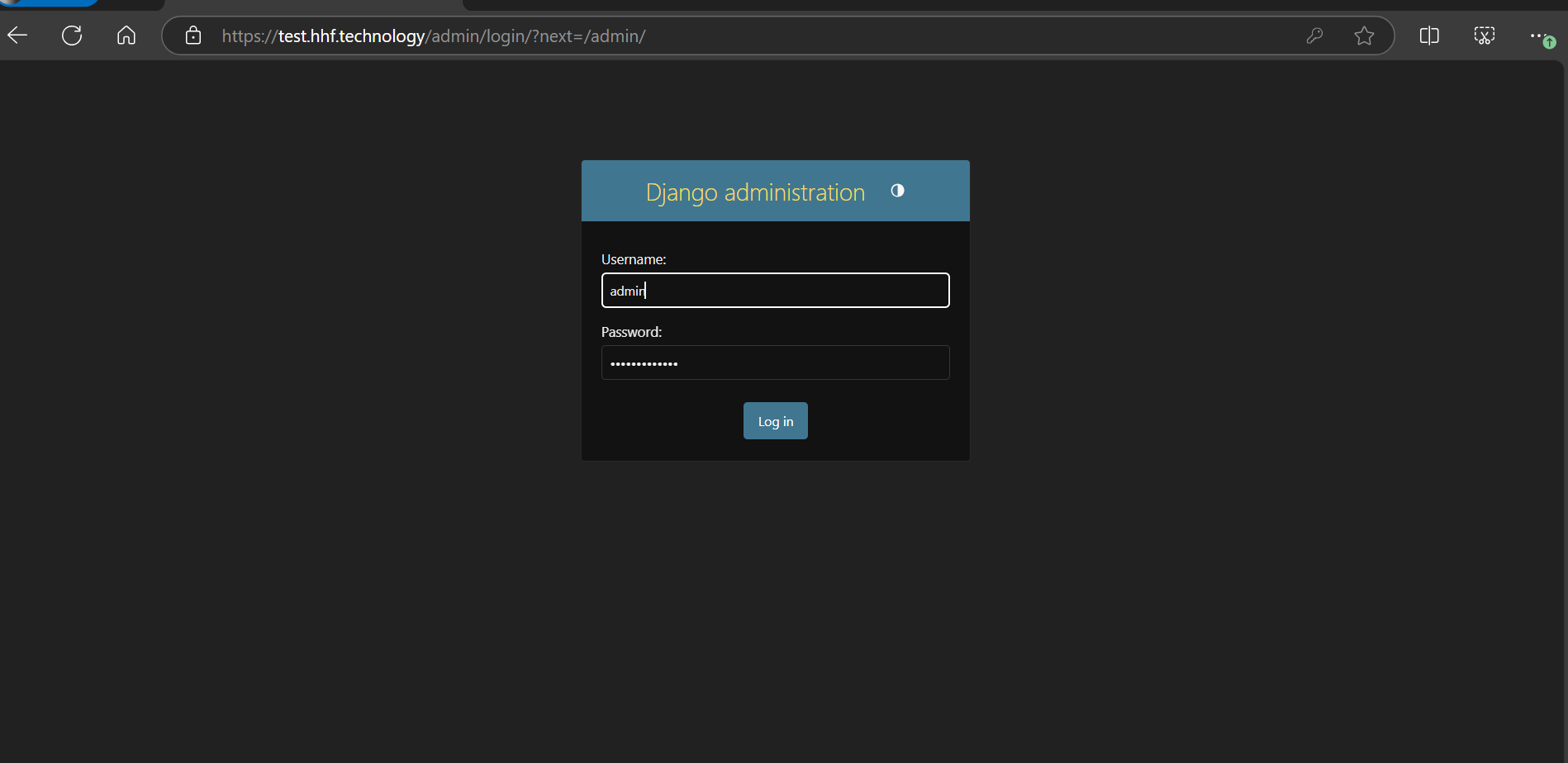
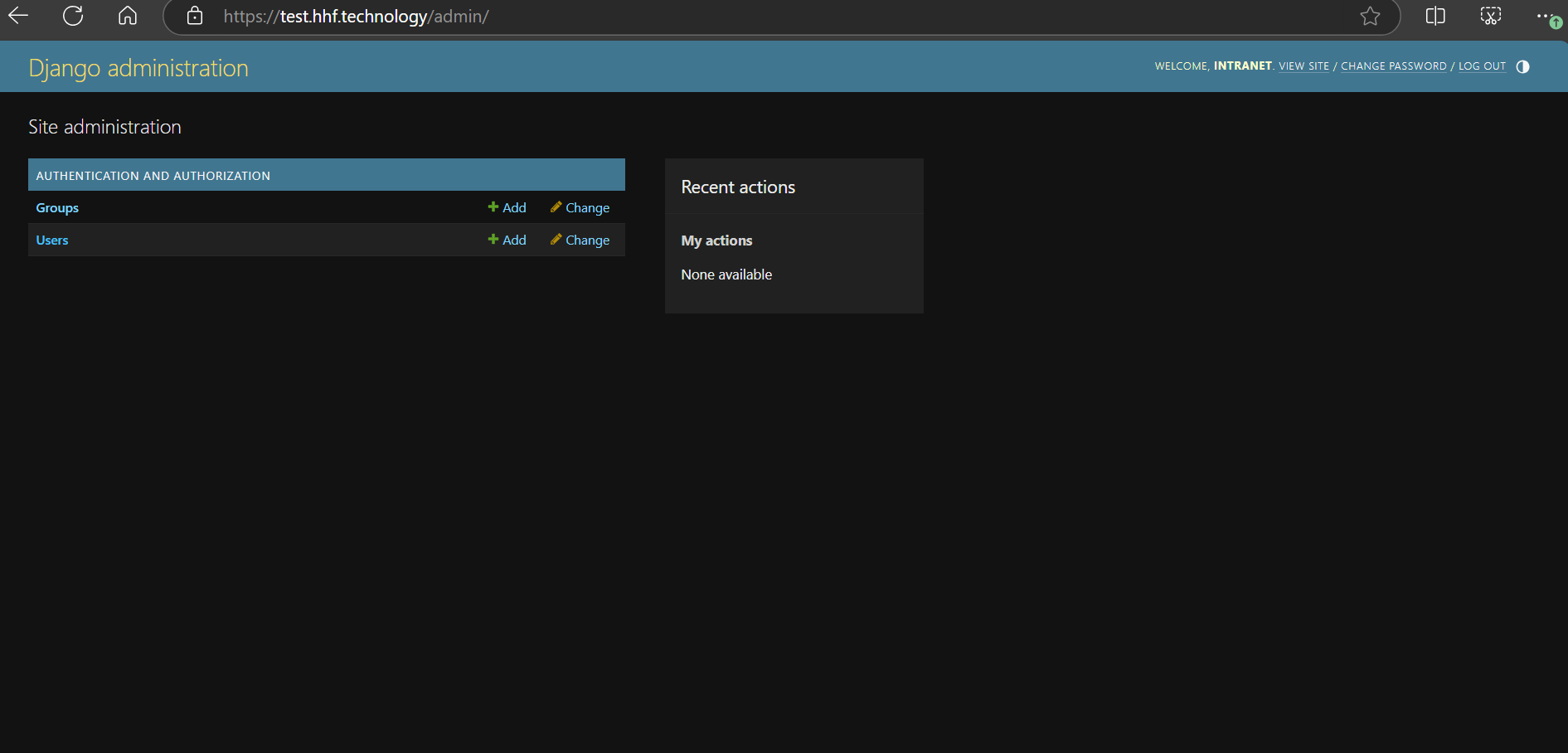
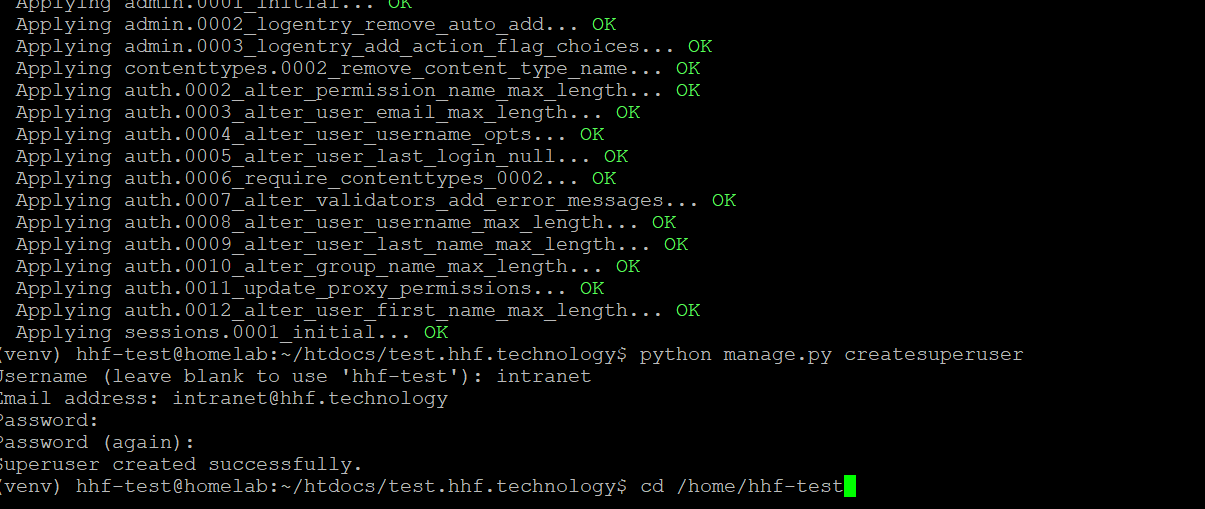
Create New username password
python manage.py createsuperuser
7. Directory Permissions
Ensure these directories exist with proper permissions:
mkdir -p /home/hhf-test/logs

mkdir -p /home/hhf-test/htdocs/test.hhf.technology/static

mkdir -p /home/hhf-test/htdocs/test.hhf.technology/media

chown -R hhf-test:hhf-test /home/hhf-test/logs

chmod -R 755 /home/hhf-test/logs
Here’s the standard content of a Django manage.py file:
#!/usr/bin/env python
"""Django's command-line utility for administrative tasks."""
import os
import sys


def main():
    """Run administrative tasks."""
    os.environ.setdefault('DJANGO_SETTINGS_MODULE', 'config.settings')
    try:
        from django.core.management import execute_from_command_line
    except ImportError as exc:
        raise ImportError(
            "Couldn't import Django. Are you sure it's installed and "
            "available on your PYTHONPATH environment variable? Did you "
            "forget to activate a virtual environment?"
        ) from exc
    execute_from_command_line(sys.argv)


if __name__ == '__main__':
    main()
A few key points about this file:
-
The file should be placed in your project’s root directory:
/home/hhf-test/htdocs/test.hhf.technology/manage.py -
Make sure the file has executable permissions:
chmod +x manage.py
- The important line is:
os.environ.setdefault('DJANGO_SETTINGS_MODULE', 'config.settings')
This line tells Django where to find your settings file. In your case, it should point to config.settings since we created the project with the name ‘config’.
- Make sure your project structure looks like this:
/home/hhf-test/htdocs/test.hhf.technology/
├── manage.py
├── config/
│   ├── __init__.py
│   ├── settings.py
│   ├── urls.py
│   └── wsgi.py
You can verify the structure with:
tree /home/hhf-test/htdocs/test.hhf.technology
Let me know if you need help with any other files or configurations!