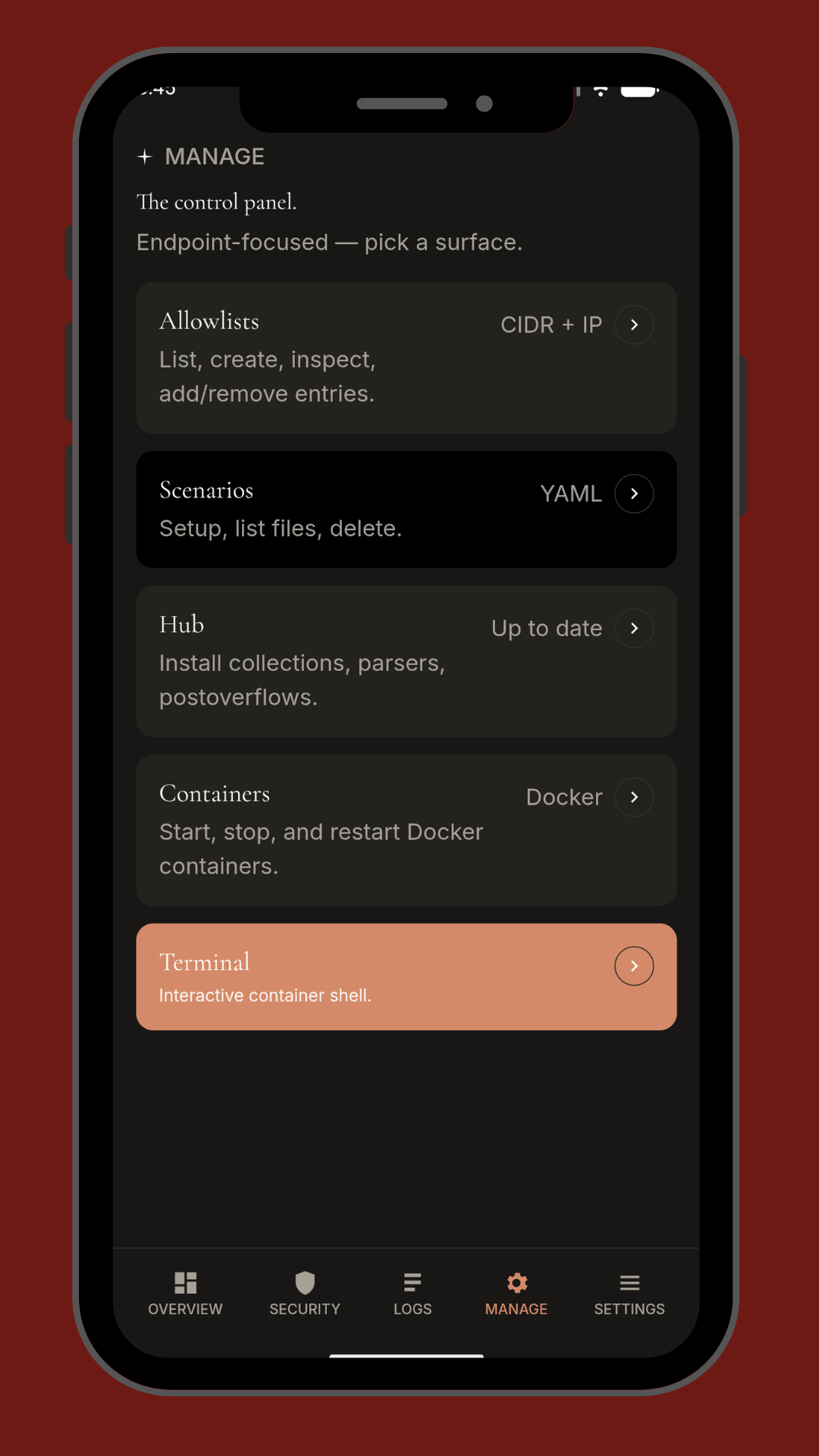
Exciting Announcement: Our Brand-New Mobile Apps Are Live on Android – iOS Coming Soon!
Hey guys, hhf here – If you’ve been following our open-source work on Traefik, CrowdSec, Pangolin, VPS monitoring, Docker tools, and everything in between, you already know we build practical, no-nonsense solutions that make self-hosted life easier. Today I’m beyond pumped to share something we’ve been quietly shipping for months: real mobile apps for the tools you already love.
We just dropped four powerful Android apps on the Google Play Store, and they’re ready for you right now. Whether you’re on the couch, commuting, or firefighting a late-night alert, you can now monitor logs, manage security, watch your VPS fleet, and control your stack from your phone. And yes – iOS versions are in final testing and will be live very soon.
Here’s the full lineup with direct Play Store links and package names so you can grab them instantly:
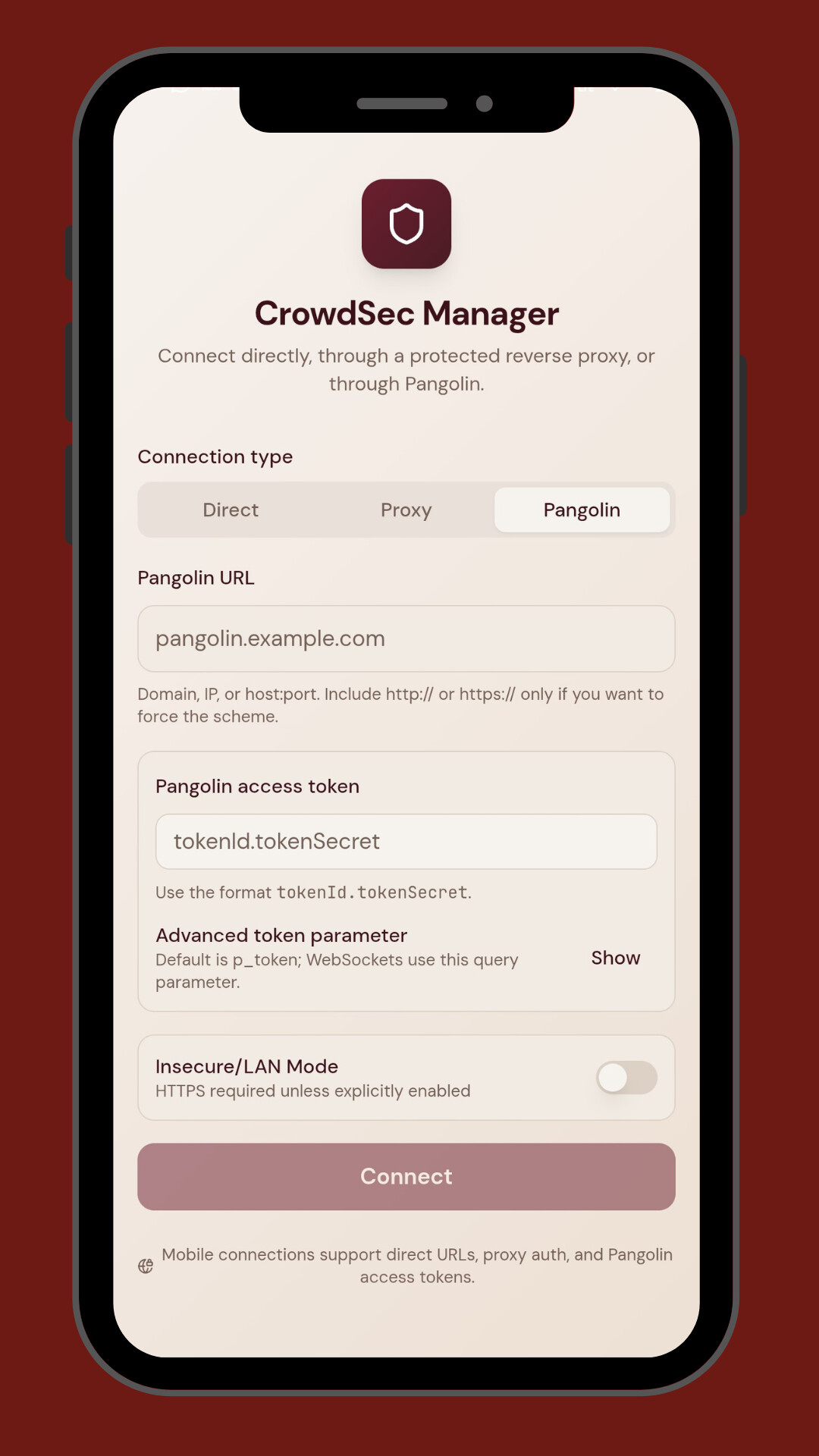
- CrowdSec Manager Independent → https://play.google.com/store/apps/details?id=com.crowdsec.manager.independent
- CrowdSec Manager Mobile → https://play.google.com/store/apps/details?id=com.crowdsec.manager.mobile
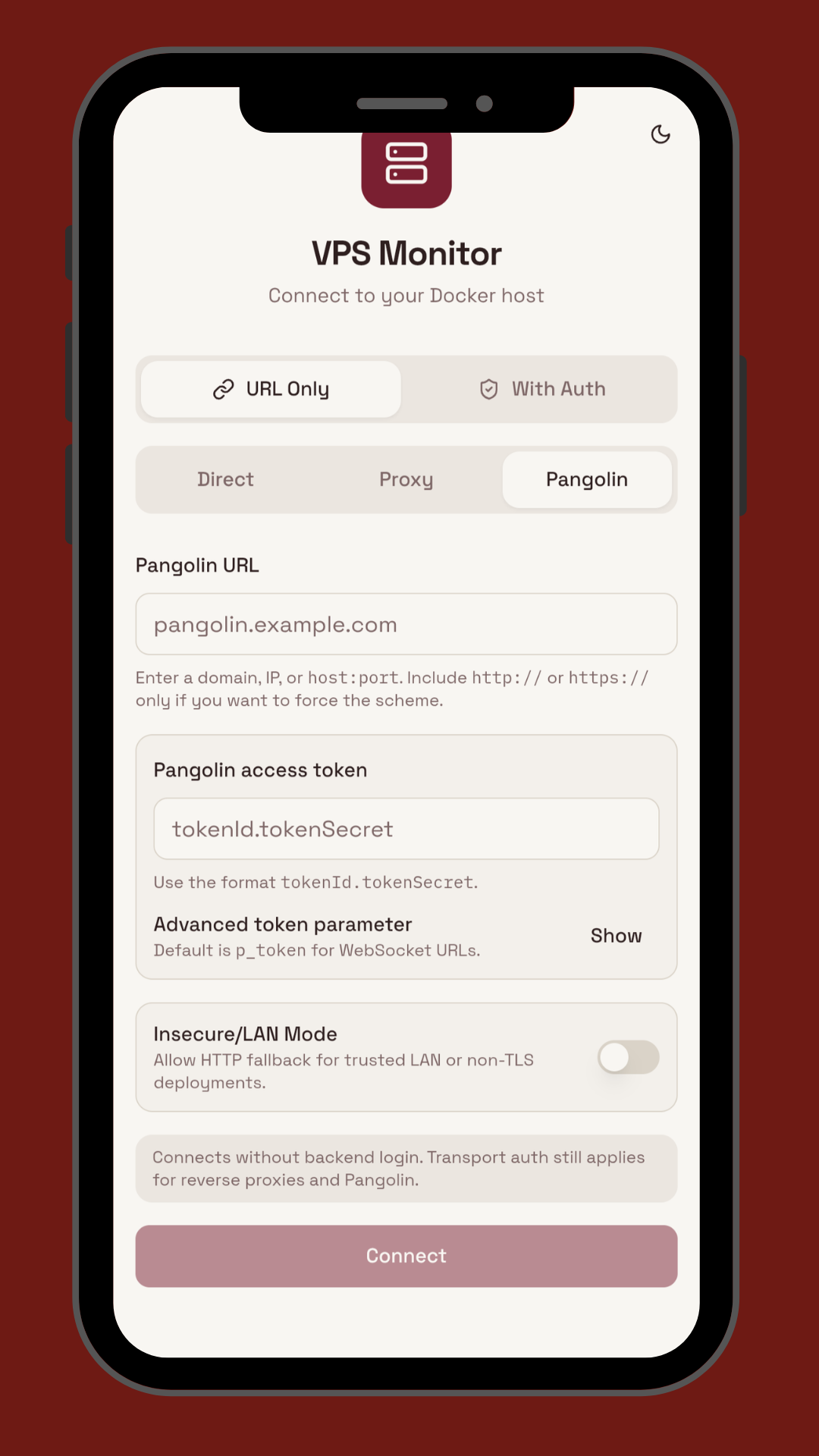
- VPS Monitor Mobile → https://play.google.com/store/apps/details?id=com.vps.monitor.mobile
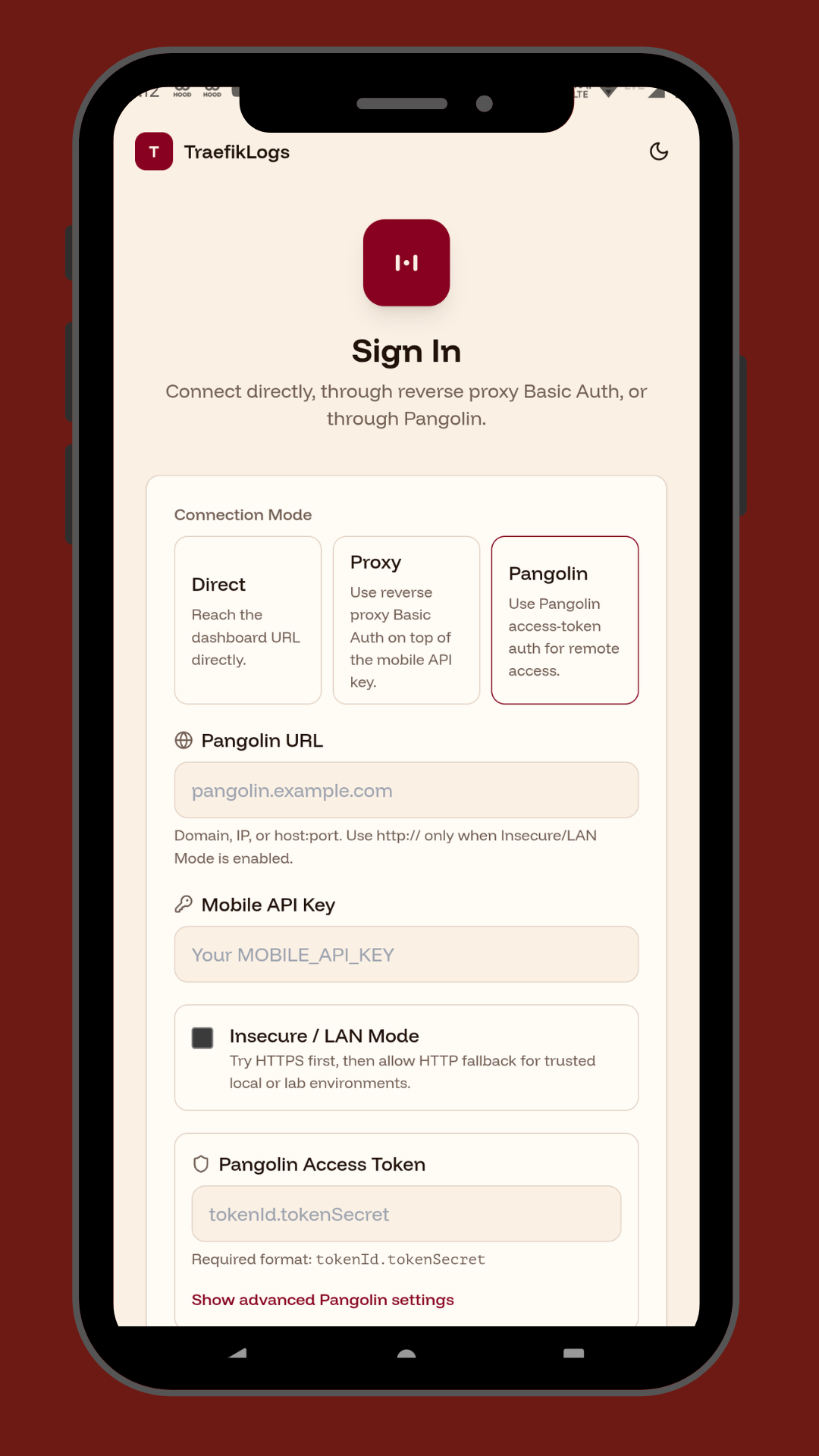
- Traefik Log Dashboard → https://play.google.com/store/apps/details?id=com.traefik.logdashboard
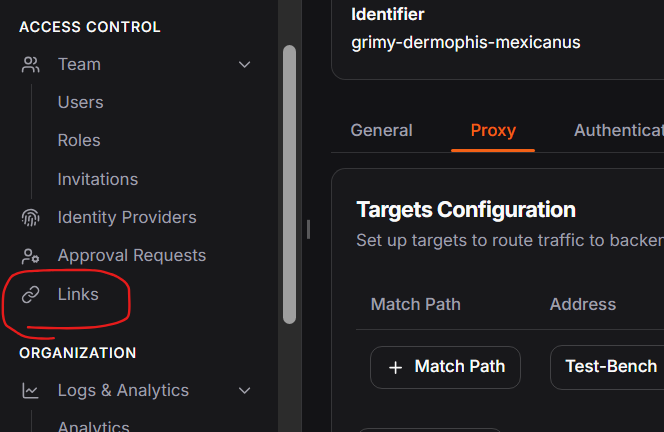
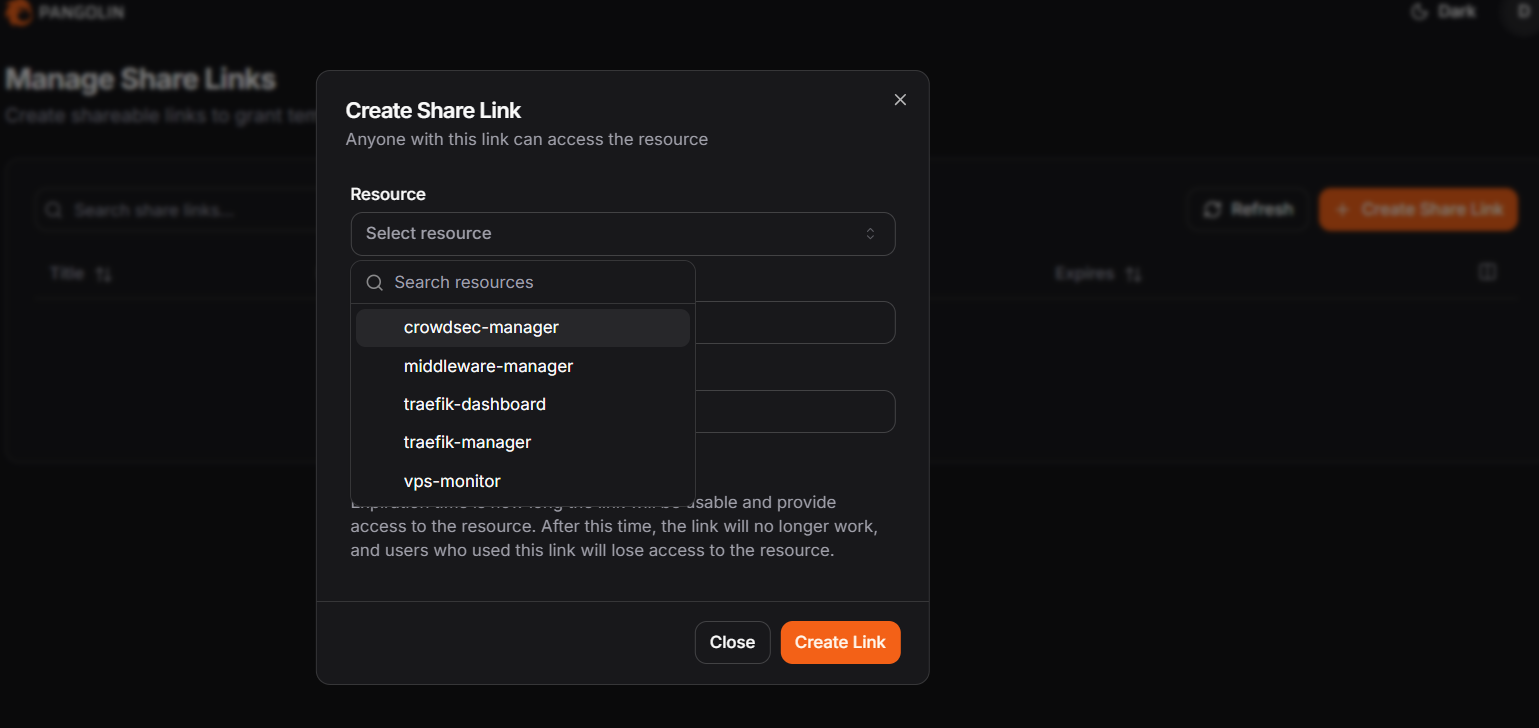
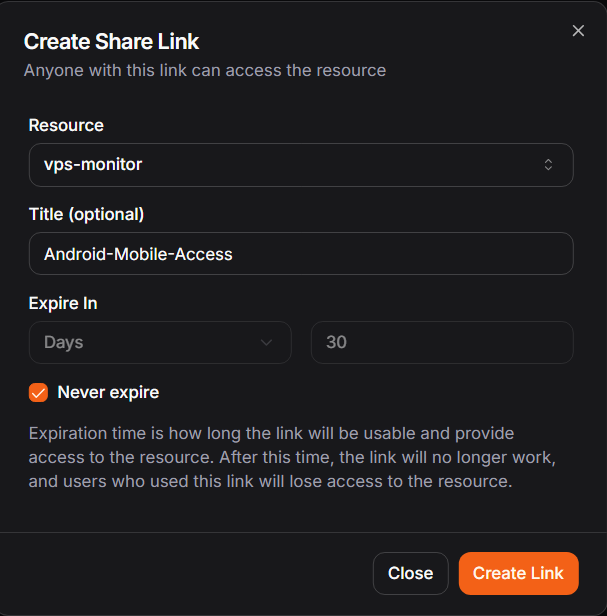
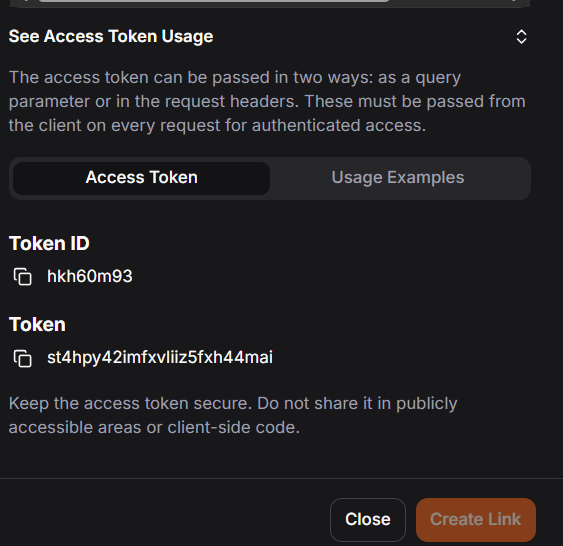
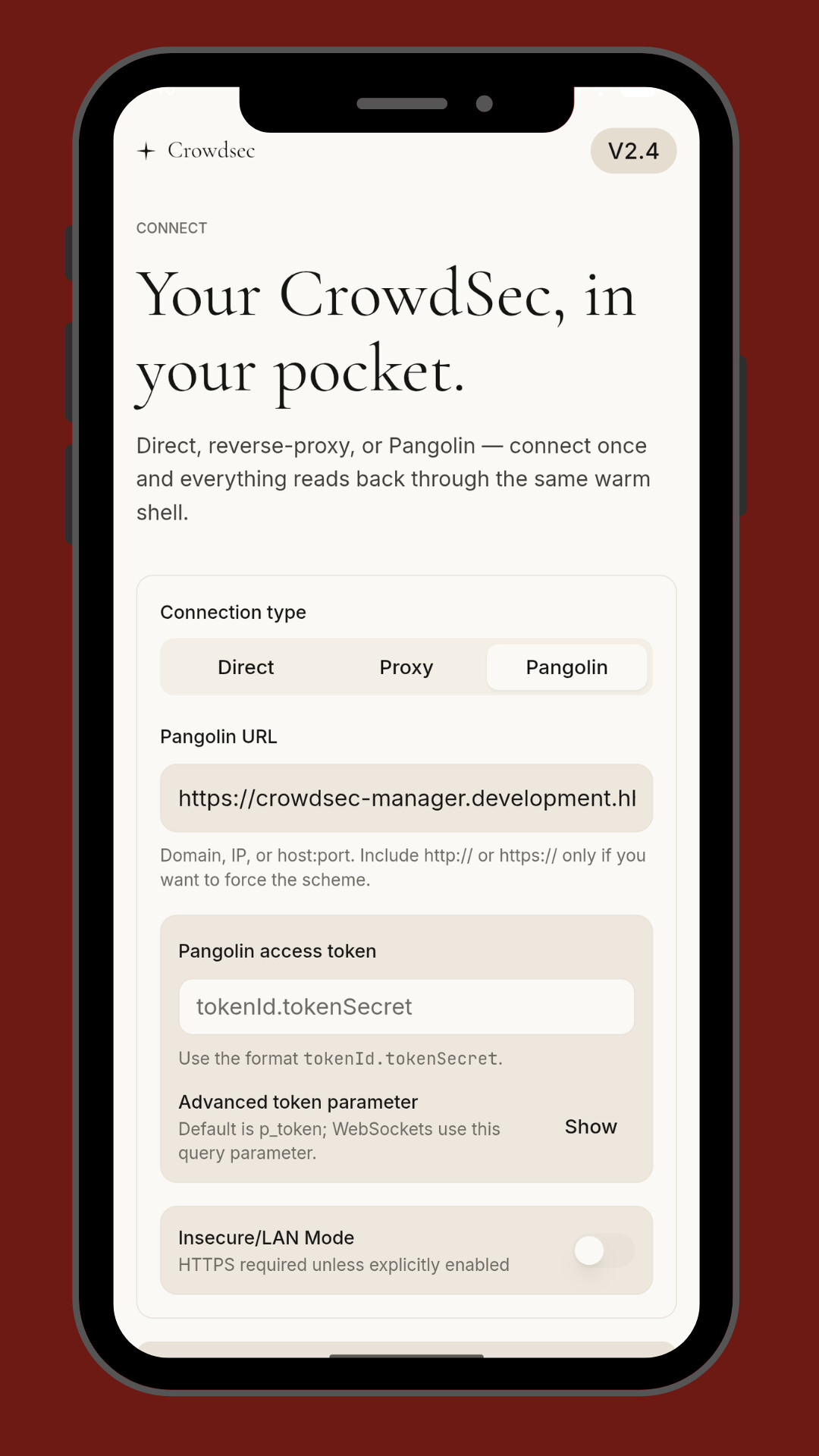
They’re native-feeling, fast, and built to give you the exact same power (and more) that the web dashboards provide but optimized for mobile with pangolin auth as well as any reverse proxy basic auth supported. Let me walk you through each one so you know exactly why you should enroll today.
1. Traefik Log Dashboard Mobile (com.traefik.logdashboard)
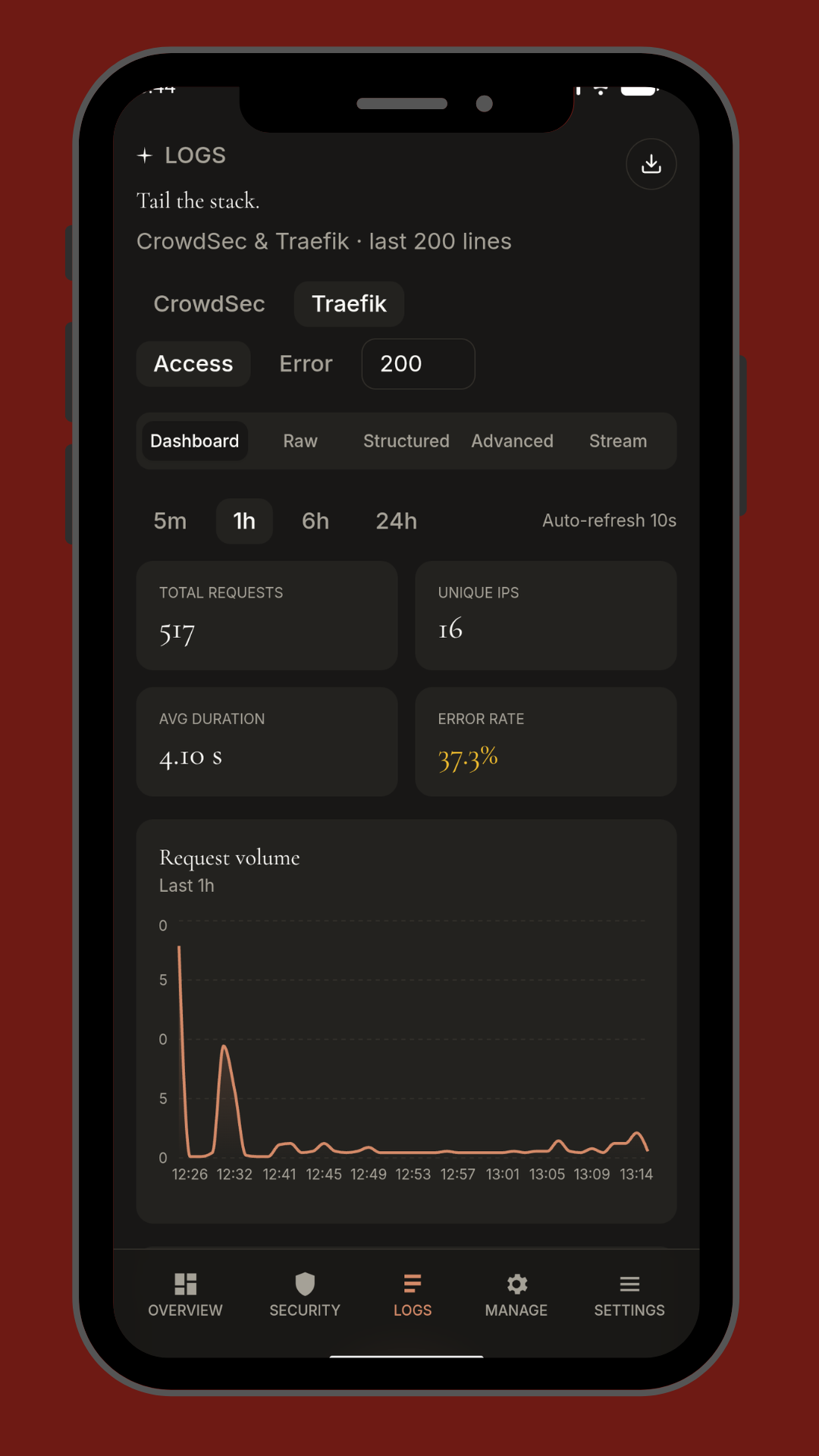
That real-time React + Node.js dashboard that shows IP geolocation, status codes, service metrics, and beautiful charts? It’s now in your pocket.
Open the app and you instantly see live Traefik logs scrolling, colored by status code, with one-tap IP lookup on a world map. Need to know which service is getting hammered at 2 a.m.? You’ll see it instantly. Filter by route, method, or response time, zoom into any anomaly, and even get push notifications when error rates spike. No more “I’ll check when I get home.” You check right now. Built with the same UI love you already enjoy on desktop, but touch-friendly and battery-efficient.
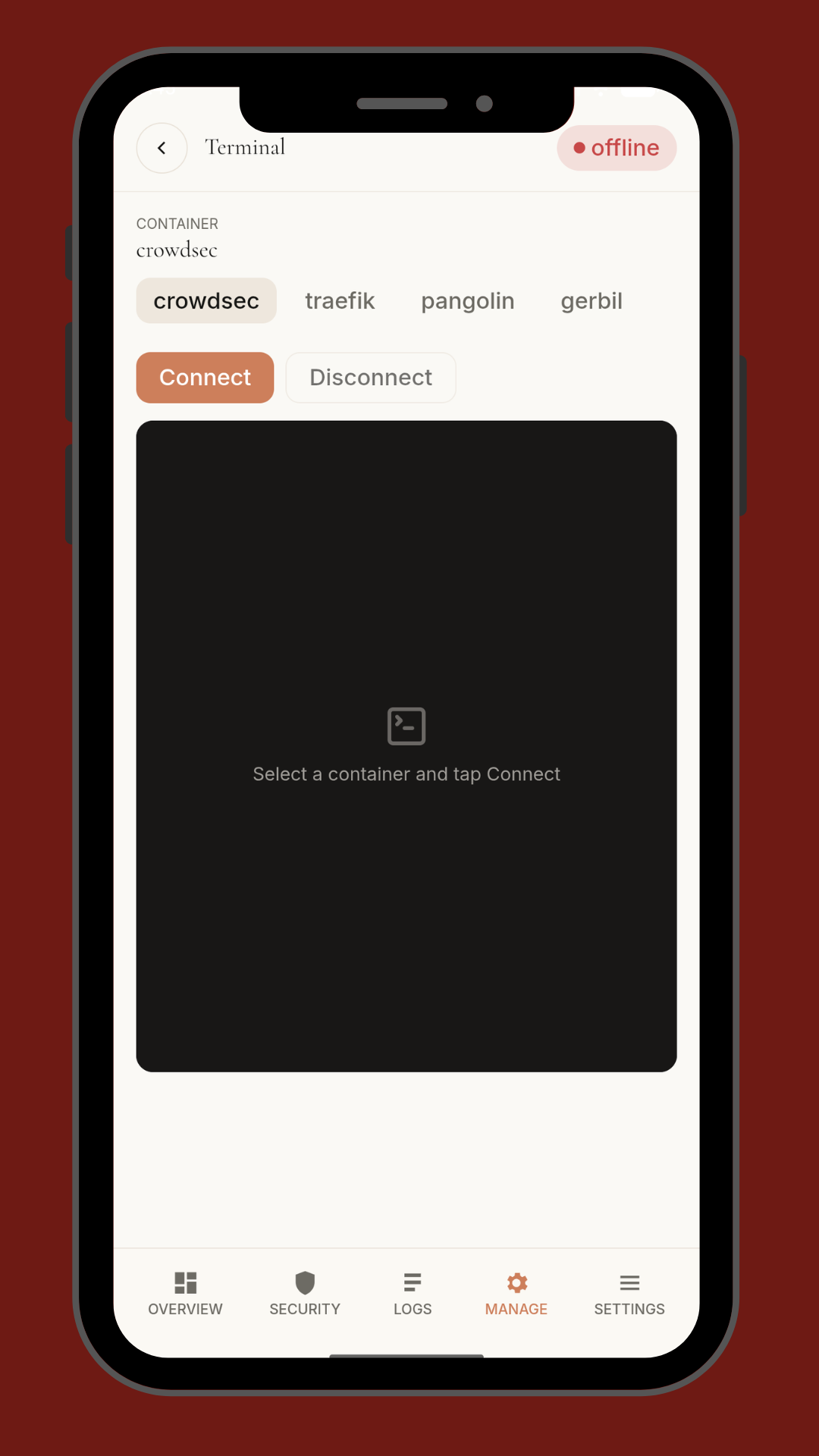
2. CrowdSec Manager Mobile + Independent (com.crowdsec.manager.mobile & com.crowdsec.manager.independent)
CrowdSec is the security stack we all rely on to ban bad actors before they become problems. Our web-based crowdsec_manager project already replaced clunky bash scripts with a clean TypeScript dashboard that integrates Pangolin, Caddy, Nginx Proxy Manager, and more.
Now we’ve split it into two mobile flavors so you get exactly what you need:
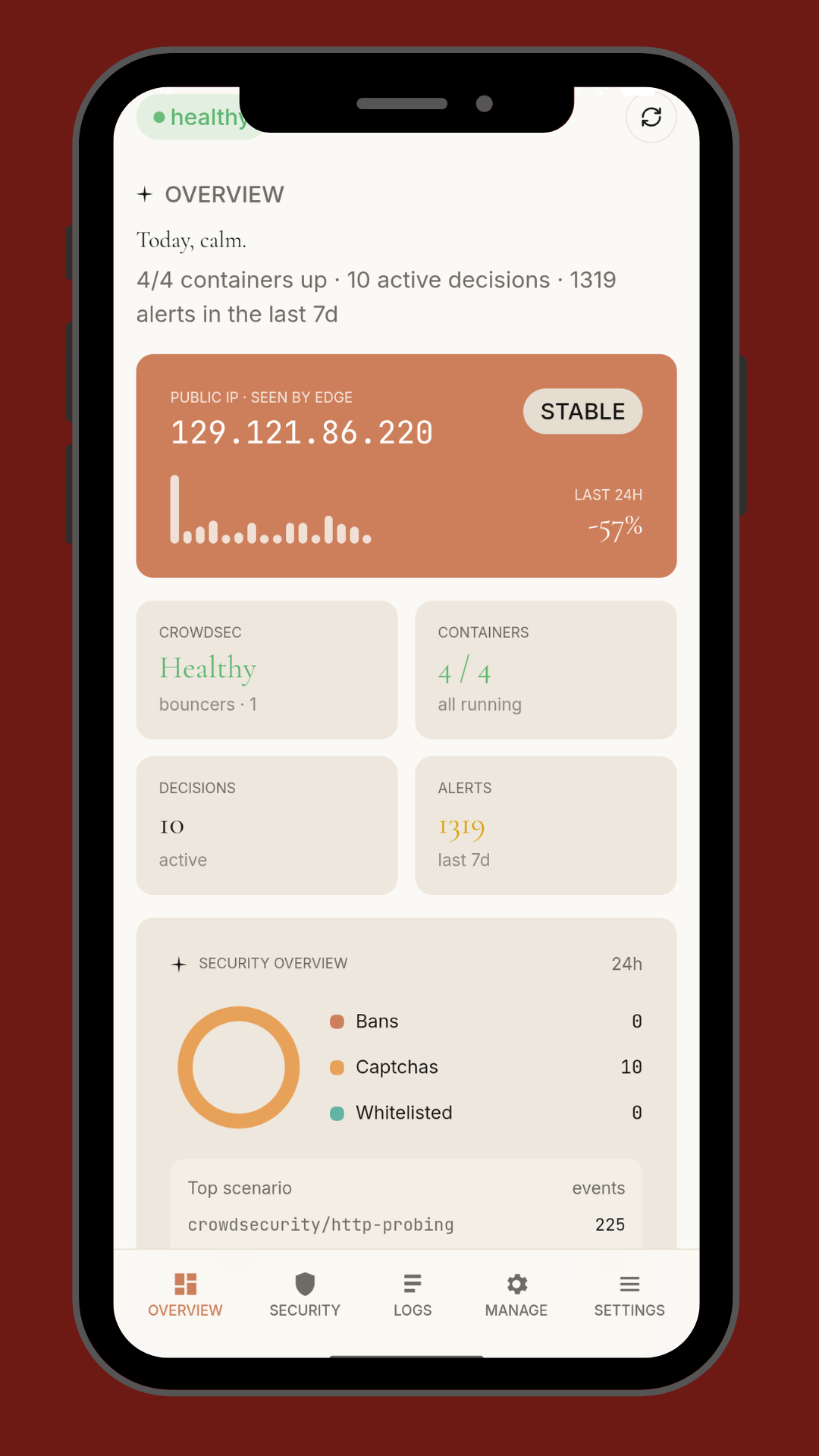
- CrowdSec Manager Mobile – full-featured companion to your existing CrowdSec + Pangolin setup. Manage decisions, watch bouncers in real time, add custom remediations, and see live attack maps.
- CrowdSec Manager Independent – the standalone version for people who want everything self-contained without relying on the web dashboard. Perfect for minimal setups or air-gapped environments.
Both give you one-tap ban/unban, decision history, and multi-proxy support. If you run CrowdSec anywhere (home lab, production, VPS fleet), these apps will feel like you finally got the remote control you always wished for.
3. VPS Monitor Mobile (com.vps.monitor.mobile)
The lightweight Go-based VPS monitoring solution that’s been pinned with growing traction. One dashboard, unlimited servers, multiple agents, real-time analytics.
On mobile it’s even better: swipe between your servers, see CPU, RAM, disk, bandwidth, and custom metrics at a glance. Set thresholds and get instant push alerts if any machine goes sideways. The single-dashboard overview that made the web version popular is now buttery smooth on your phone. Whether you run 3 VPS or 300, you stay in control from anywhere.
Why does this matter?
Because most of us are running serious infrastructure – Traefik reverse proxies, CrowdSec bouncers, Docker Compose stacks, Cloudflare tunnels, custom middleware – and we’re tired of being chained to a laptop. These apps close the loop. You built it, now carry it.
How to Enroll & Get Started (takes 60 seconds)
- Download any (or all) of the apps above.
- Open the app and hit “Enroll” or “Connect Instance.”
- Enter your existing dashboard URL or API key (the same one you already use on the web versions).
- Grant the minimal permissions needed for push notifications and you’re done.
Everything syncs instantly.
Pro tips from the dev who built them
- Turn on “Background Refresh” in app settings for true real-time alerts even when the phone is asleep.
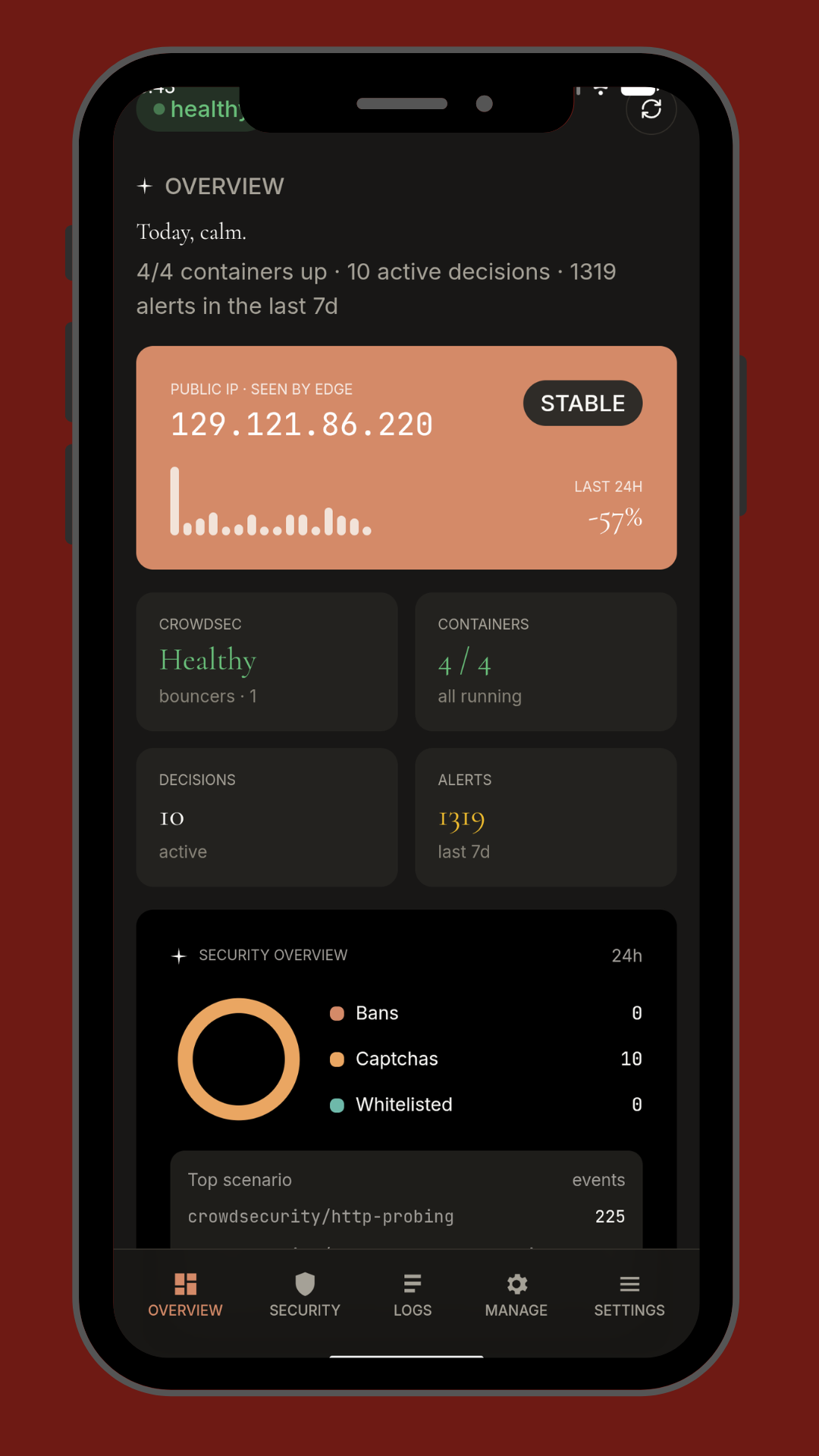
- Use the built-in dark mode – it matches the Shadcn theme you already love.
- For CrowdSec users: the Independent version works perfectly offline for local-only instances.
- VPS Monitor users: add as many agents as you want; the app scales exactly like the web version.
- Traefik users: enable geolocation (it uses the same MaxMind database as the web dashboard) and watch your attack surface light up on the map.
We’ve been dogfooding these apps for weeks on our own production setup (multiple Traefik instances, full CrowdSec + Pangolin fleet, 12 VPS nodes). The feedback from our closed beta group was unanimous: “This is the mobile experience we’ve been waiting for.”
What’s next?
iOS versions are 95 % done and will hit the App Store within the next 2–3 weeks (Apple review is the only variable). We’re also adding:
- Widget support (Android already has one for quick VPS status)
- Deep linking from push notifications straight into the exact log or decision
- Multi-account switching (perfect for freelancers managing client infra)
- Dark/light theme sync with your phone settings
- And a unified “All My Stacks” home screen that shows Traefik + CrowdSec + VPS metrics in one beautiful feed
Why now?
The mobile apps are the next step – taking the tools off the desk and into your daily life.
If you’re already using any of the web dashboards (or even just experimenting with the GitHub repos), these apps will feel like coming home. If you’re new, this is the perfect time to jump in: install the mobile apps, spin up the open-source backends, and you’ll have a complete modern stack in under an hour.
Thank you for being part of this journey. Your stars, issues, PRs, and real-world usage are what keep us shipping. Now go grab those apps and enjoy the freedom of managing your stack from anywhere.
Pangolin app coming soon
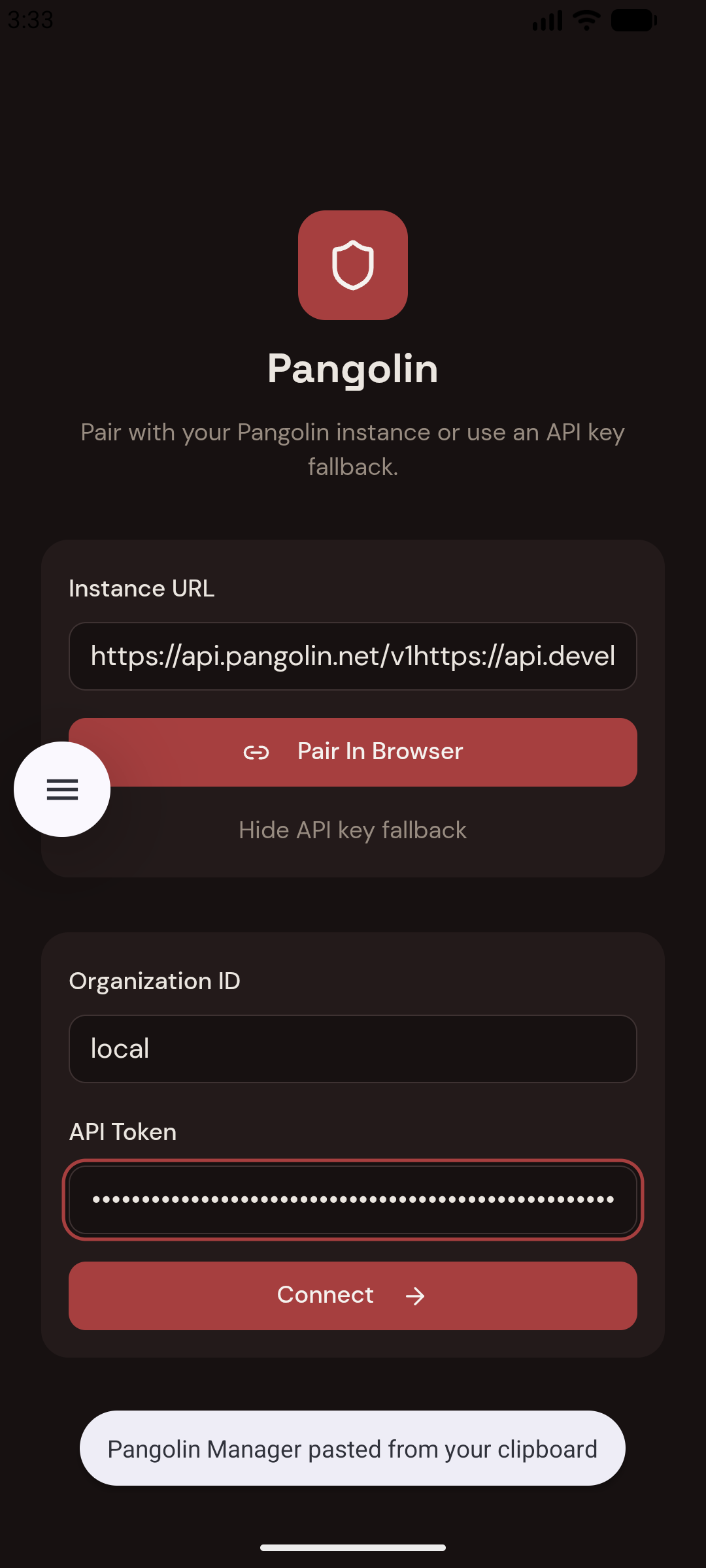
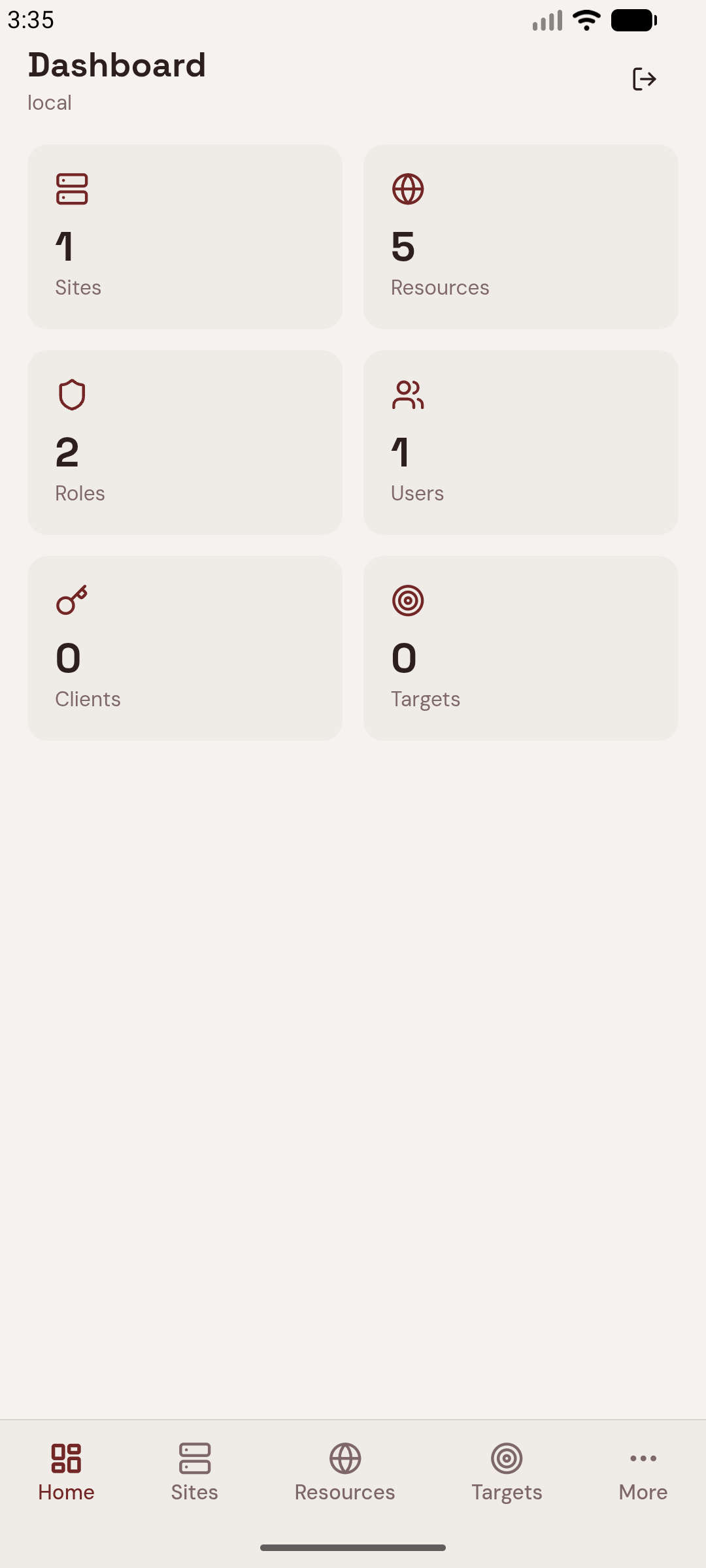
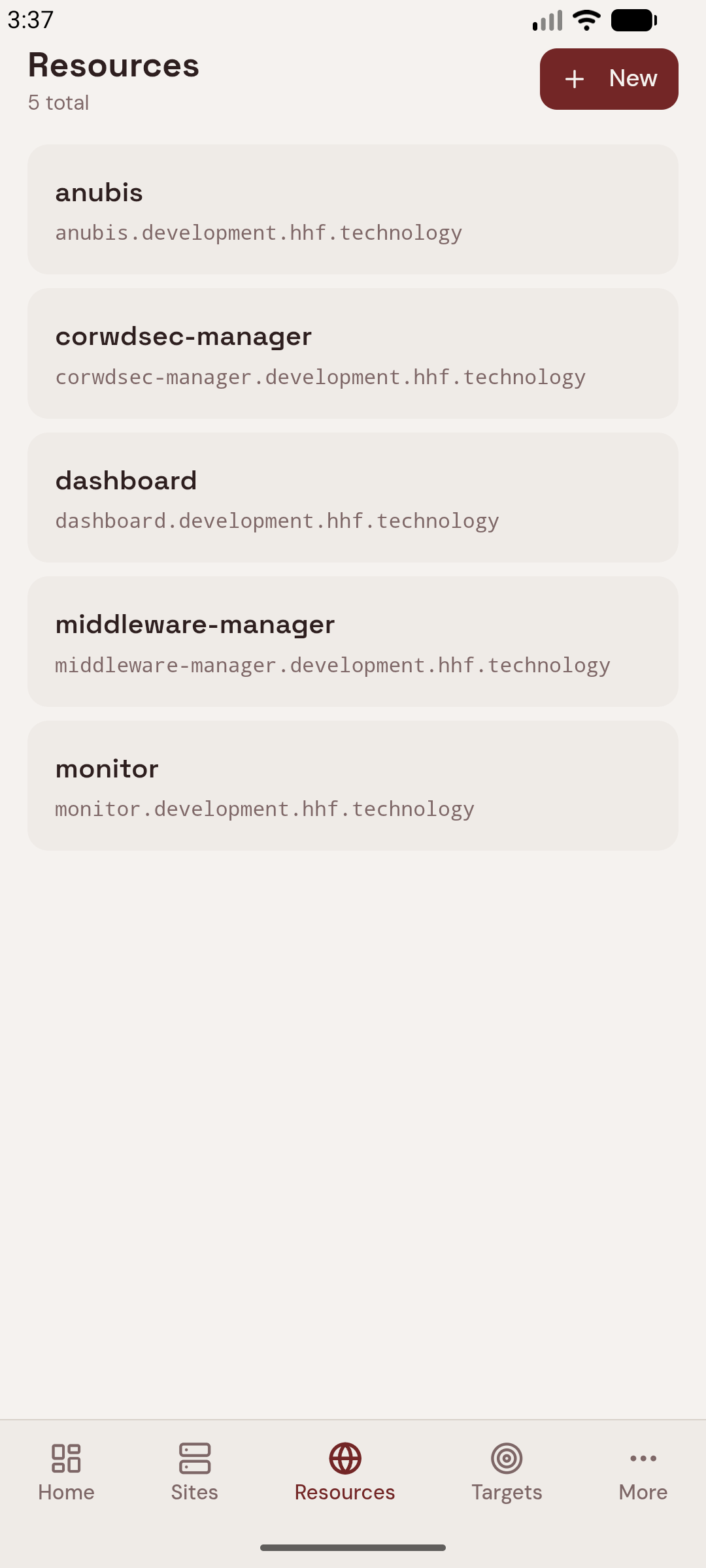
– hhf