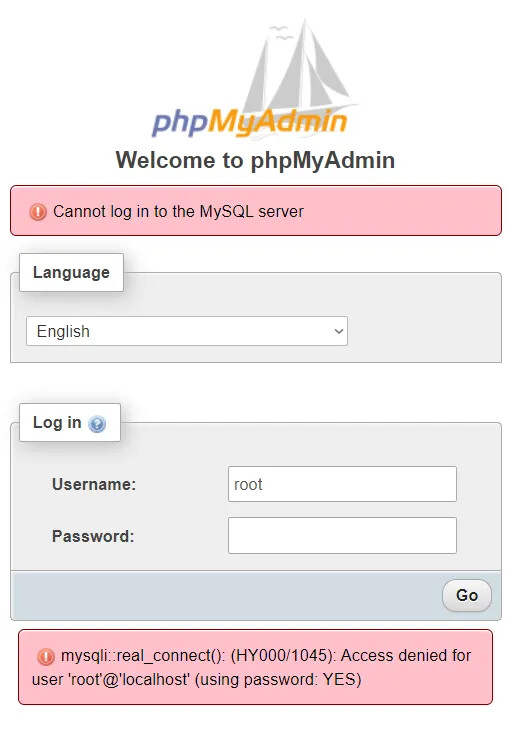
ERROR 1045 (28000): Access denied for user ‘root’@‘localhost’ (using password: YES)
An exception occurred in the driver: SQLSTATE[HY000] [1045] Access denied for user ‘root’@‘localhost’ (using password: YES)
OR
SOLUTION:—
systemctl stop mysql
mysqld_safe --skip-grant-tables &
mysql -u root
ALTER USER ‘root’@’127.0.0.1’ IDENTIFIED WITH mysql_native_password USING PASSWORD(‘password’) ;
flush privileges;
The above solution will work for MariaDB. MariaDB is not same as MYSQL.
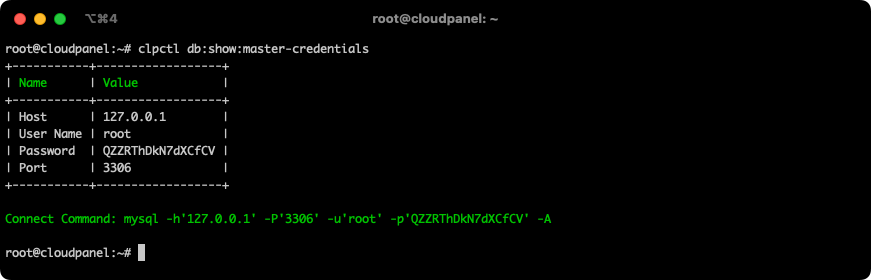
After changing the password and if you are using cloudpanel you can run the below command and check if the root password is changed or not.
clpctl db:show:master-credentials
IF MySQL
ALTER USER ‘root’@’127.0.0.1’ IDENTIFIED WITH mysql_native_password BY ‘test’;
Hope this helps.
Thank you.